1
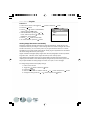
Step 3:Downloading Images/Video Clips
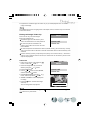
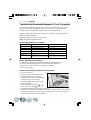
When the camera is turned on and connected to your computer, it is considered to be one
disk drive. You can download images/video clips by copying them from the “removable disk”
(“untitled” disk on a Macintosh) to your hard drive or other storage disk.
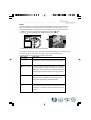
For computers running Windows
Open the “removable disk” by double clicking on it. Double click on the folder. Your
images are inside the folder(s). Select the images that you want, then choose Copy from
the Edit menu. Open the destination location and choose Paste from the Edit menu. You
may also drag and drop image files from the camera to a desired location.
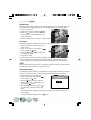
For computers running Mac OS
Open the “untitled” disk window and the hard disk or the destination location. Drag and
drop from the camera disk to the desired destination.
29