1
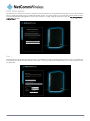
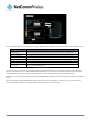
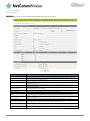
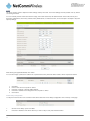
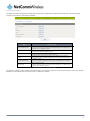
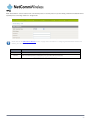
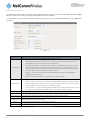
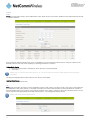
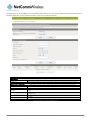
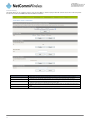
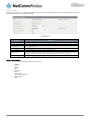
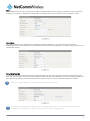
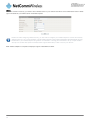
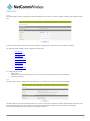
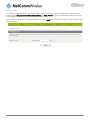
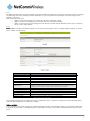
Settings The settings page is used to backup or restore the routers configuration or to reset it to factory defaults. Figure 59 - Load / Save Configuration Page To save a copy of the router’s configuration Key in the administration user Password and click the Save button. This will download a copy of the current settings from the router to your PC. Please note: The following conditions apply:• • It is NOT possible to edit the contents of the file downloaded; if you modify the contents of the configuration file in any way you will not be able to restore it later. You may change the name of the file if you wish but the filename extension must remain “.cfg” To restore a copy of the router’s configuration 1. 2. Click the Browse button. Select the configuration file you wish to restore. 3. Click the Restore button. To restore the router’s configuration to the factory defaults Click the Restore button to restore the router to factory default settings. The router will then restart with the factory default configuration loaded. www.netcommwireless.com 3G22WV – 3G WiFi Router with Voice User Guide 54