1
INTREPID User Manual
Library | Help | Top
Flight Path Editor (T19)
11
| Back |
Grid dataset display
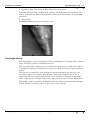
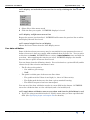
If you are viewing a grid dataset you can choose pseudocolour, grey scale or sun angle
display. INTREPID uses grey scale when it first displays the grid.
Use the options from the Grid display menu to specify your grid display method.
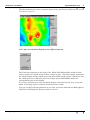
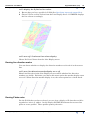
Pseudocolour display
If you choose pseudocolour display without modifying the Low Clip and High Clip
parameters INTREPID will apply a fixed range pseudocolour display to your grid.
This involves dividing the range of cell values in your grid into equal parts
corresponding to pseudocolour values and assigning colours to the cell values
accordingly. The 256 basic pseudocolour values are set out in the lookup table
pseudocolour.lut (See "Colour Lookup Tables" in INTREPID database, file and
data structures (R05) for details).
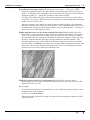
If you set Low Clip and/or High Clip values INTREPID will assign
•
The lowest ranking colour to all grid cells whose value is less than or equal to the
Low Clip value.
•
The highest ranking colour to all grid cells whose value is greater than or equal to
the High Clip value.
•
The other colours in the pseudocolour range to other cells in the grid on the basis
described above.
>> To specify pseudocolour display for your grid
1
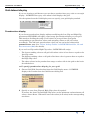
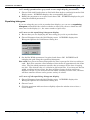
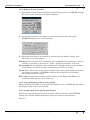
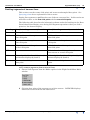
Choose Grid With Pseudocolour from the Grid Display menu. INTREPID
displays the Pseudocolour for Grid Dataset dialog box.
2
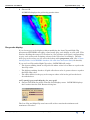
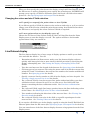
Specify or reset Low Clip and High Clip values if required
To restore the Low Clip and High Clip values to the minimum and maximum cell
values, choose Reset. Otherwise enter the values (in Z units) in the corresponding
text boxes.
Library | Help | Top
© 2012 Intrepid Geophysics
| Back |