1
aee.com
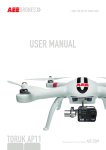
AEE AP9 User Manual
V1.0 2015.4
Please read this " User Manual " carefully before using AP9.
Conventions
Except when specifically stated, all AP9 features described in this manual are for Quadcopter Operating Modes.
Warning:
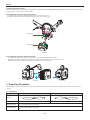
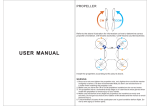
(1) When installing the propellers, rotate the propellers strictly in the lock direction specified by the mark, and DO NOT apply too much force in order to avoid
possible damage.
(2) When removing the propellers, rotate the propellers strictly in the unlock direction specified by the mark, in order to avoid possible damage.
Overview
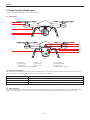
AP9 is a high-tech electronic product integrating flight control system. Thecamera can be mounted with a camera frame, which helps you easily capture clear and
stable aerial videos and photos.
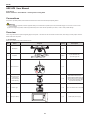
1 Kit Contents
Before using, please check all items inside the kit box.
No.
Name
Diagram
Quantity
1
Quadcopter
1 pcs
2
Propellers
2 pairs
3
Remote control
4
Q45 camera cage
(mounted on
the quadcopter
before delivery)
1 set
AEE S50/S51/S60/S71/S70/
OM51S/OM60S/OR60S/OR71S/
S40 and other series of cameras
can be mounted (Camera shall
be purchased separately)
5
camera cage
1 set
Gopro G3 cameras can be mounted
6
Quadcopter Battery
1 pcs
Quadcopter power supply
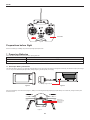
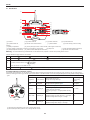
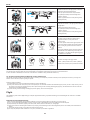
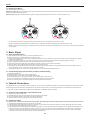
NULL
NRM
S2
S3
NULL
2 pcs with black nuts;
2 pcs with gray nuts
1 pcs
GPS
NULL
S1
Description
S4
2