1
P&E
Microcomputer
Systems, Inc.
CHAPTER 3 – THE WinIDE USER INTERFACE
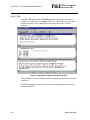
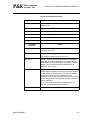
Note: The Print option is active when at least one source window is open. The
WinIDE editor disables the option if no window is open.
3.8.7
Print Setup
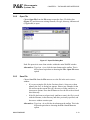
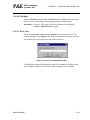
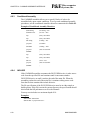
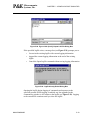
Choose the Print Setup option from the File menu to open the Print Setup
dialog box for your operating system and printer. Use this dialog box to choose
the printer, page orientation, paper size, and other options for your printer.
3.8.8
Exit
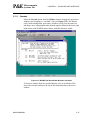
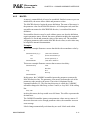
Choose the Exit option from the File menu to close the editor. If a project or
source window is open, the editor closes the files and exits.
Alternatives: Type ALT + F4. This is the keyboard equivalent to choosing the
File - Exit menu option.
3.9
WinIDE EDIT OPTIONS
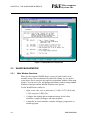
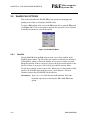
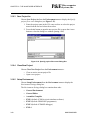
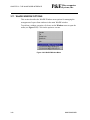
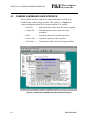
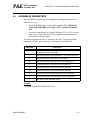
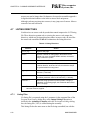
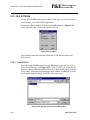
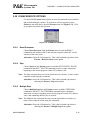
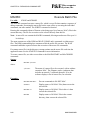
This section describes the WinIDE Edit menu options for creating or editing
source file contents. To perform an edit operation, click once on the Edit menu
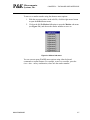
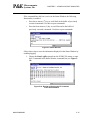
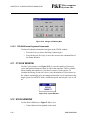
title to open the Edit menu (see Figure 3-9). Click on an option to perform the
operation.
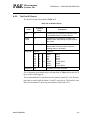
Figure 3-9. WinIDE Edit Menu
M68ICS08SOM/D
3-15