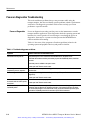
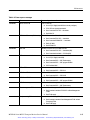
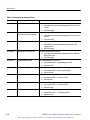
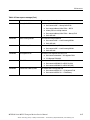
1
Maintenance
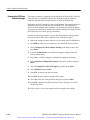
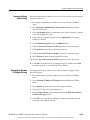
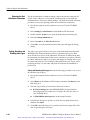
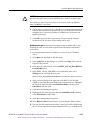
Pinging a host machine. One of the utilities provided with all TCP/IP installations
is Ping.exe. (Look in the C:\winnt\system32\ directory.) This utility allows
you to send communication packets to and record the response from an indicated
host machine. This, in essence, determines whether or not your packets arrived at
the destination. To run ping, use the following procedure:
1. Select Run from the Start menu. The Run dialog box appears.
2. Type one of the following into the Run text box:
ping machineName
ping IPaddress
In the examples, machineName and IPaddress represent the host machine
name and IP address, respectively, of the networked device you are trying to
ping.
3. Click OK.
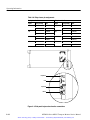
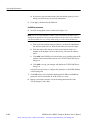
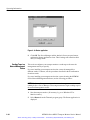
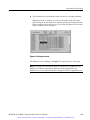
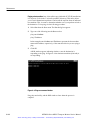
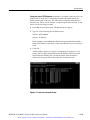
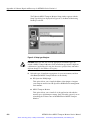
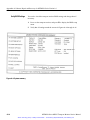
A DOS window appears indicating whether or not the destination is
responding to the ping. In Figure 6--4 the destination machine (Oxford4) is
not responding.
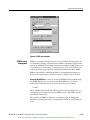
Figure 6- 4: Ping.exe command window
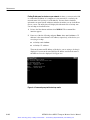
Ping only runs briefly, and the DOS window closes when the process is
complete.
6- 14
MTM300 Series MPEG Transport Monitor Service Manual
Artisan Technology Group - Quality Instrumentation ... Guaranteed | (888) 88-SOURCE | www.artisantg.com