1
Appendix A: Software Repair and Recovery for MTM300 Series Version 1.0
H
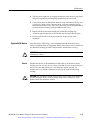
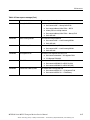
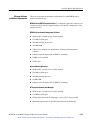
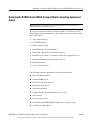
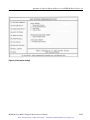
Network Management Software
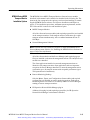
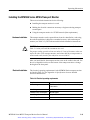
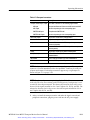
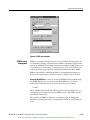
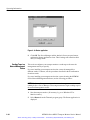
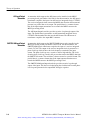
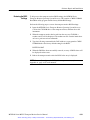
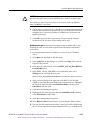
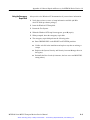
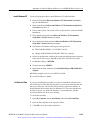
This option allows you to install all of the application with which to
monitor up to 40 transport streams. Ensure that the software key is
installed on your workstation before proceeding with this installation.
H
Remote monitoring desktop
This option allows you to install the Master client from which you can
connect to a Server Manager running on a remote transport monitor or
network management station.
NOTE. It is strongly recommended that you use the default destination folder:
C:\MTM300.
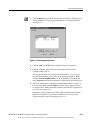
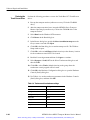
9. Select the destination directory and click Next.
NOTE. Steps 10 through 16 apply only to MPEG Transport Monitor installations.
For other types of installations, proceed at step 17 on page A--10.
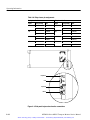
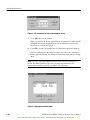
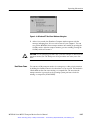
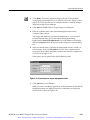
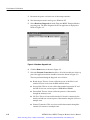
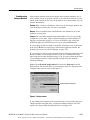
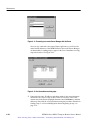
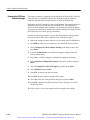
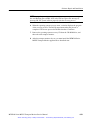
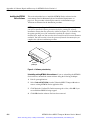
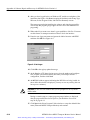
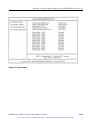
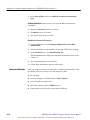
10. After some required files are copied, you will need to reboot the host
machine. You need to reboot to continue with the installation, so click OK at
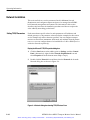
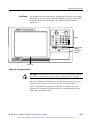
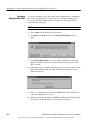
the prompt shown in Figure A--4. (Leave the disc in the CD-ROM drive. If
you are installing the software over a network, you may need to restart
Setup.exe after you log in again to complete the installation.)
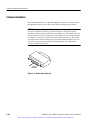
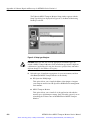
Figure A- 4: Interim reboot message
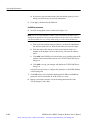
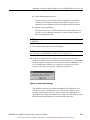
The installation software will shut down Windows NT and restart it. You
will need to logon as Administrator, as you did in step 1. While you are
waiting for the transport monitor to restart, check your configuration of
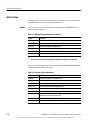
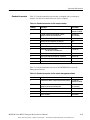
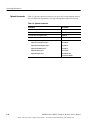
inputs (how many inputs and which slots are used). You will need to provide
this information during phase two of the installation procedure.
MTM300 Series MPEG Transport Monitor Service Manual
Artisan Technology Group - Quality Instrumentation ... Guaranteed | (888) 88-SOURCE | www.artisantg.com
A- 9