1
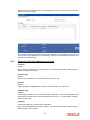
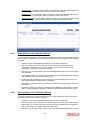
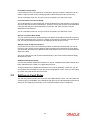
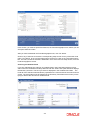
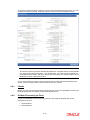
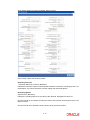
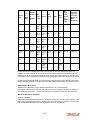
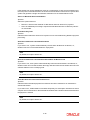
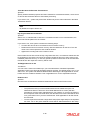
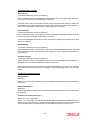
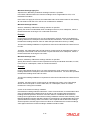
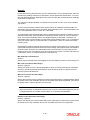
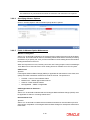
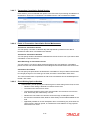
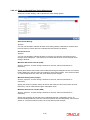
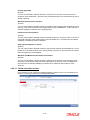
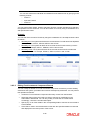
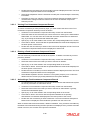
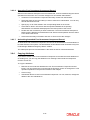
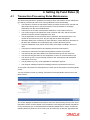
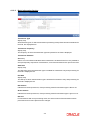
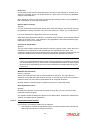
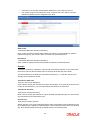
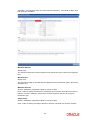
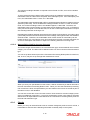
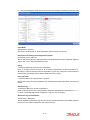
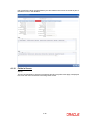
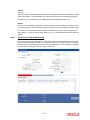
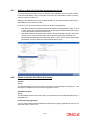
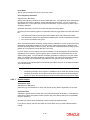
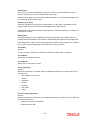
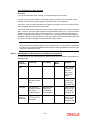
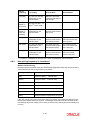
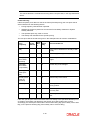
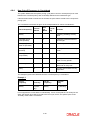
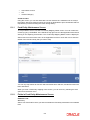
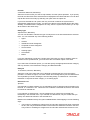
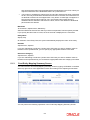
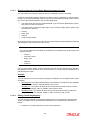
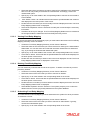
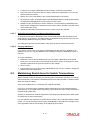
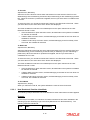
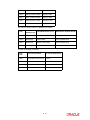
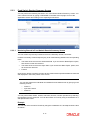
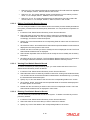
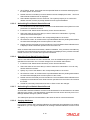
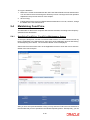
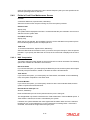
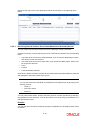
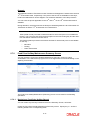
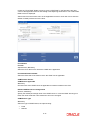
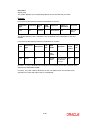
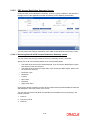
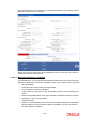
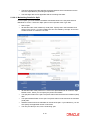
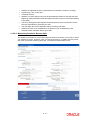
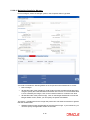
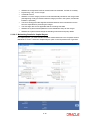
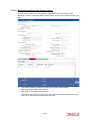
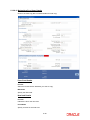
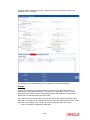
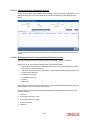
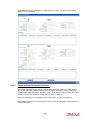
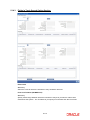
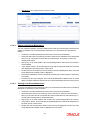
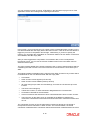
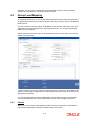
Fund ID Alphanumeric, Optional Enter the ID of the fund involved in the transaction. Drawee Bank Optional Specify the name of the bank where the payment instrument is drawn, if the mode of payment is Check, Credit Card, Debit Card or Draft. In case of Transfer, specify the transfer bank code. Drawee Branch Optional Specify the branch of the selected bank where the payment is drawn, if the mode of payment is Check or Draft. In case of Transfer, specify the transfer branch code. Payment Mode Enter the mode of payment for the transaction. Location Code Optional Enter the location code. After you have specified the fund account and statement details, click on OK. The required bank statement records that are located in the database are displayed in the lower grid. The following details are displayed for each bank statement record in the Find Results section: The statement number The date of the transaction The reference number of the bank statement as generated by FCIS The bank reference number for the statement The fund account currency The amount to be debited from the account The amount to be credited to the account Un-Reconciled amount You can capture the following details: Journal Entry Optional Check this option to indicate if a particular bank entry is a journal entry. For instance, bank entries can contain bank interest details for which there will be no corresponding trade entry to link with in FCIS. In such cases, you need to manually set the status of the entry as journal entry. ReConciliation Status Conditional If the operation is ‘NEW’, the system derives the status of the bank entry as reconcile (for Unreconciled entries) or partially reconcile (for partially reconciled entries) and displays the appropriate status here. 5-111