1
Other Connections
Other Connections
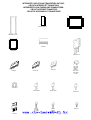
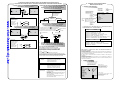
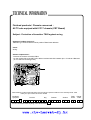
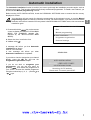
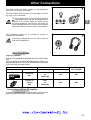
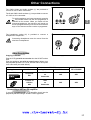
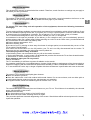
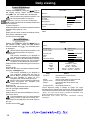
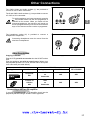
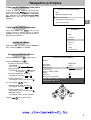
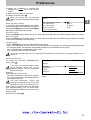
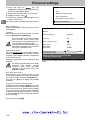
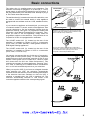
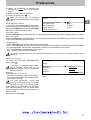
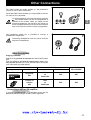
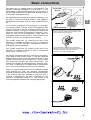
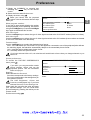
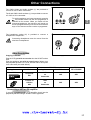
The CINCH Video and Audio sockets (1)* are provided to
connect a VHS or 8mm camcorder.
The S and CINCH Audio sockets (1)* are provided to connect
a S-VHS or Hi-8 camcorder.
GB
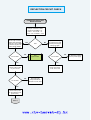
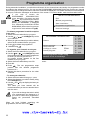
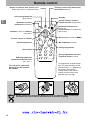
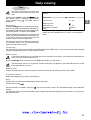
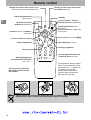
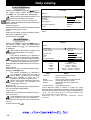
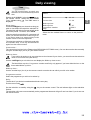
To use the appliance you have connected, press the
key several times until the AV3 programme is
selected on the screen. When you switch off the
connected appliance, the television will remain on
the AV3 programme and you must use the numerical
keys on the remote control to select a programme.
* on models equipped with this function
The headphone socket (2)* is provided to connect a
headphone or earphones.
Connecting headphones mute the sound from the
television loudspeakers.
Other Possibilities
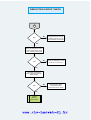
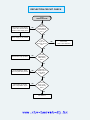
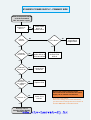
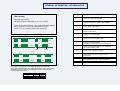
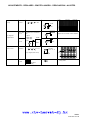
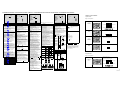
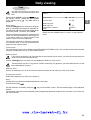
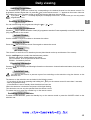
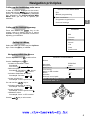
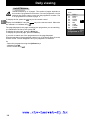
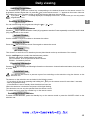
Copying a cassette:
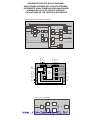
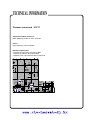
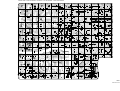
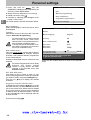
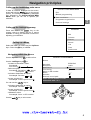
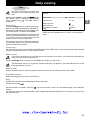
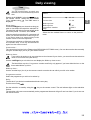
Plug the VCR you wish to record to into the SCART socket
AV2.
Plug the appliance you wish to copy from as follows: into
the peripheral jack AV1 for a VCR; into the CINCH AV3 jacks
for a camcorder (see table below).
RECORD
PLAY
Appliance
* on models equipped with this function
SCART Socket
Appliance
SCART Socket
CALL
PROGRAMME
Peripheral
AV1
VCR
ou
Camcorder
AV2
AV1
Cinches or
S-Video
AV3
VCR
ou
Camcorder
AV2
AV3
VCR
Camcorder
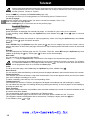
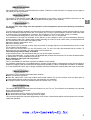
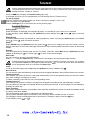
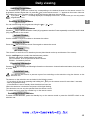
Connecting a HiFi or AV amplifier
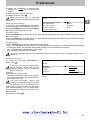
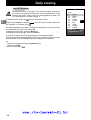
If you wish to connect a HiFi or AV amplifier, plug it into the
peripheral jack AV2 using a SCART-CINCH type lead.
www.rtv-horvat-dj.hr
17