1
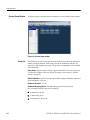
Data Structure
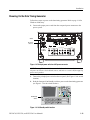
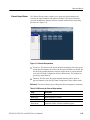
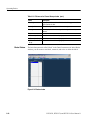
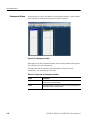
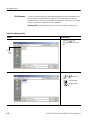
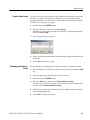
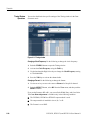
Creating a New Group
To create a new group, there must be a logical channel not assigned to a group. By
default, every logical channel has been assigned to groups in the data timing
generator mainframe. You must delete several groups to make the logical channels
available before creating a new group.
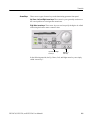
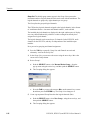
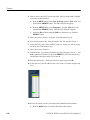
1. Push the front panel MENU button.
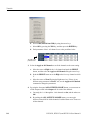
2. Select the Edit menu, and then select New Group....
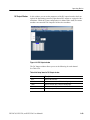
Alternatively, place the mouse pointer in the Group List table and right-click,
then select New Group....
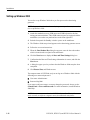
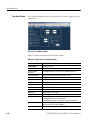
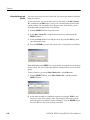
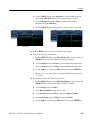
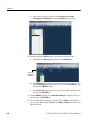
3. The Grouping dialog box appears.
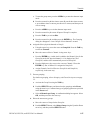
4. Enter a group name and the number of bits (number of logical channels) in the
dialog box.
5. Select OK to create a new group.
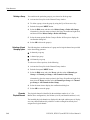
Renaming and Resizing a
Group
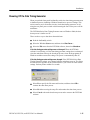
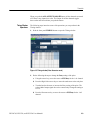
You can rename an existing group or change the number of its logical channels.
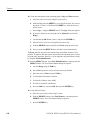
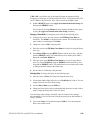
1. If the Group List is not activated on the screen, activate it by pressing the TAB
key.
2. Select the target group using the Up or Down arrow key.
3. Push the front panel MENU button.
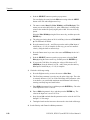
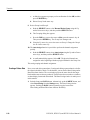
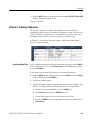
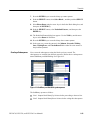
4. Select the Edit menu, and then select Rename/Resize Group....
Alternatively, place the mouse pointer in the Group List table and right-click,
and then select the Rename/Resize Group....
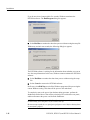
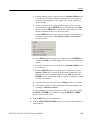
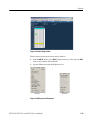
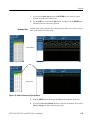
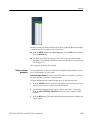
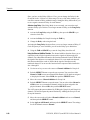
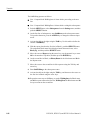
5. Edit the group name and the number of bits (the number of logical channels)
in the Grouping dialog box.
6. Select OK to complete the change.
DTG5078, DTG5274, and DTG5334 User Manual 1
3-7