1
Operating Basics
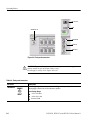
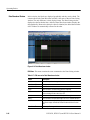
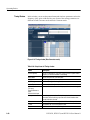
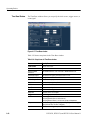
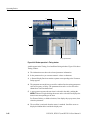
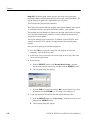
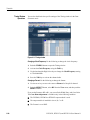
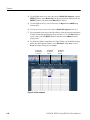
Time Base Window
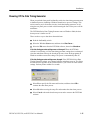
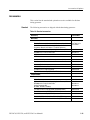
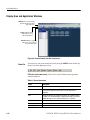
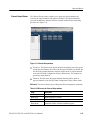
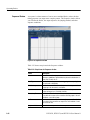
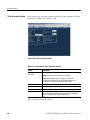
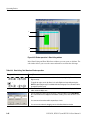
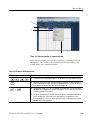
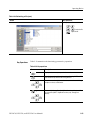
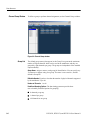
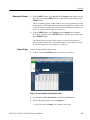
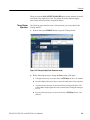
The Time Base window allows you to specify the clock source, trigger source, or
event signal.
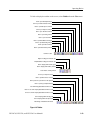
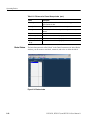
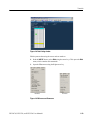
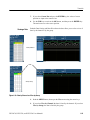
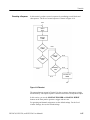
Figure 2-17: Time Base window
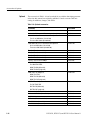
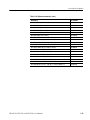
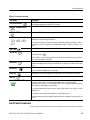
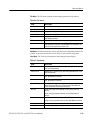
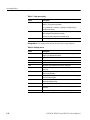
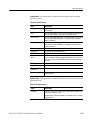
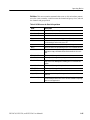
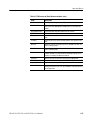
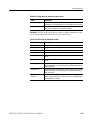
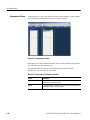
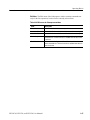
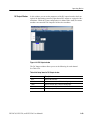
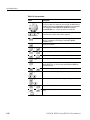
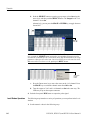
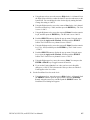
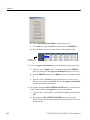
Table 2-22 shows setup items in the Time Base window.
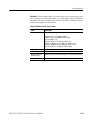
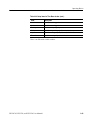
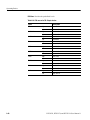
Table 2-22: Setup items for Time Base window
2-32
Items
Description
Clock Source
Selects clock source.
Internal
Use internal clock.
External 10MHz
Reference
Use 10 MHz reference clock connected to 10 MHz Reference In.
External PLL Input:
Use external PLL signal connected to Phase Lock In.
External Clock Input:
Use signal connected to External Clock In as an external clock.
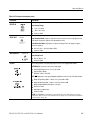
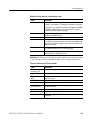
Clock Output
Sets the clock output parameters.
Amplitude
Sets clock output signal amplitude.
Offset
Sets offset.
Term.R
Sets termination impedance.
Term.V
Sets termination voltage.
Output On
Specifies on/off of clock output.
Trigger
Sets the trigger parameters.
Source
Selects trigger source from internal/external.
Specifying Internal allows to set the Interval.
Specifying External allows to set the Level, Slope and Impedance.
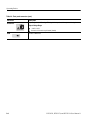
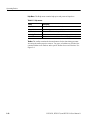
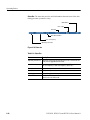
Slope
Specifies the trigger point (rising edge or falling edge of external trigger
signal). Selects either Positive or Negative.
Impedance
Specifies external trigger impedance. (50 Ω or 1 kΩ)
DTG5078, DTG5274, and DTG5334 User Manual 1