1
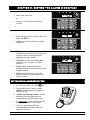
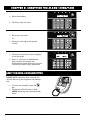
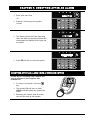
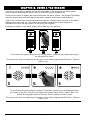
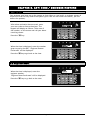
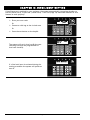
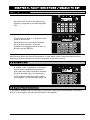
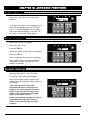
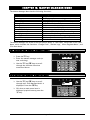
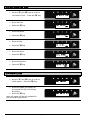
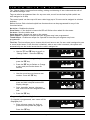
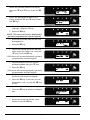
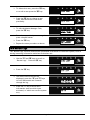
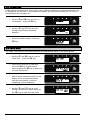
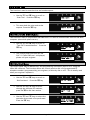
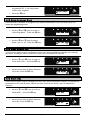
To delete this user, press the I key, or to edit a user press the A key. Press the I key to change a user code, and follow the screen shots previously. To edit the Master Manager Code, press the I key. Enter the new code / present a tag / press a keyfob button Press the I key Repeat the same procedure as above. 13.6 Review Logs The ‘Review Logs’ function monitors all operational information of the alarm system, such as setting/unsetting information and alarm activations etc. Use the b and A keys to scroll to ‘Review Logs’. Press the I key Press the I key The most recent event will be displayed, press the b and D keys to scroll backwards and forwards through the log. Press the c key to show more information (such as which input activated, or which user set the system etc) Page: 21