1
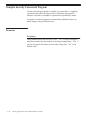
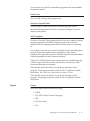
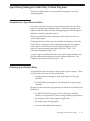
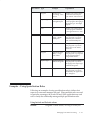
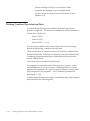
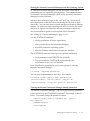
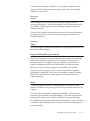
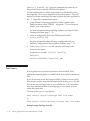
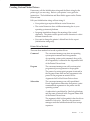
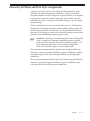
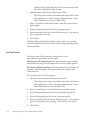
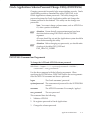
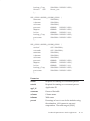
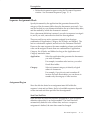
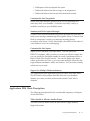
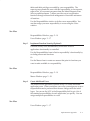
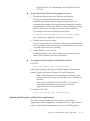
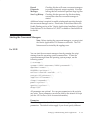
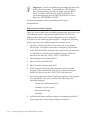
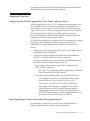
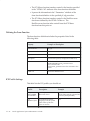
• The password contains at least one letter and at least one number.
• The password does not contain the username.
• The password does not contain repeating characters.
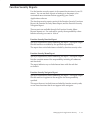
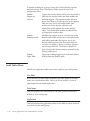
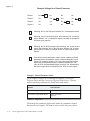
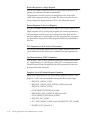
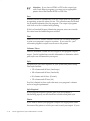
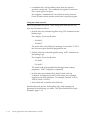
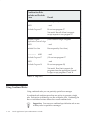
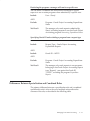
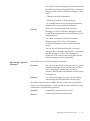
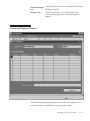
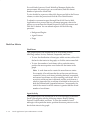
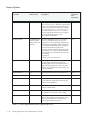
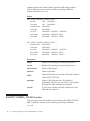
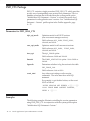
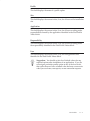
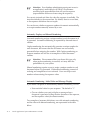
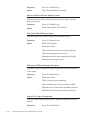
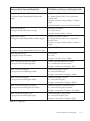
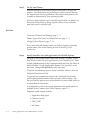
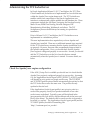
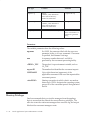
Users can see but not update this profile option.
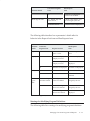
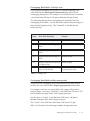
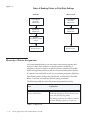
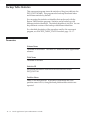
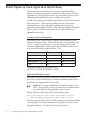
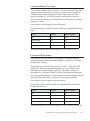
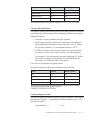
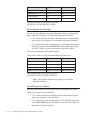
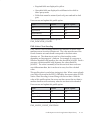
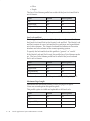
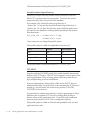
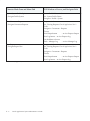
This profile option is visible and updatable at all four levels.
Level
Visible
Allow Update
Site
Yes
Yes
Application
Yes
Yes
Responsibility
Yes
Yes
User
Yes
Yes
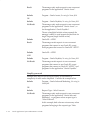
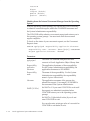
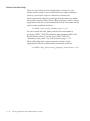
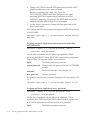
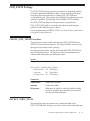
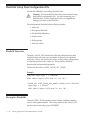
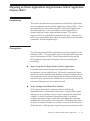
The internal name for this profile option is
SIGNON_PASSWORD_HARD_TO_GUESS.
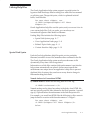
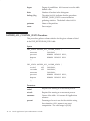
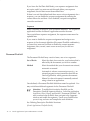
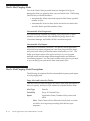
Signon Password Length
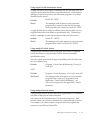
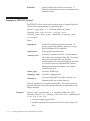
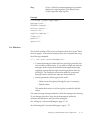
Signon Password Length sets the minimum length of an Applications
signon password. If no value is entered the minimum length defaults to
5.
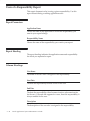
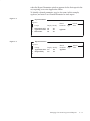
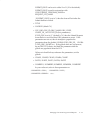
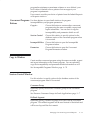
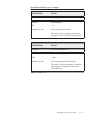
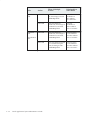
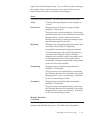
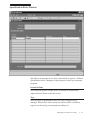
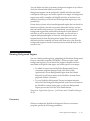
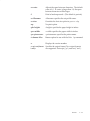
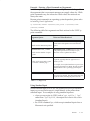
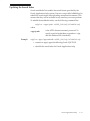
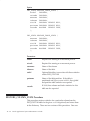
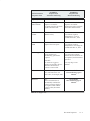
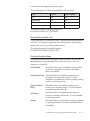
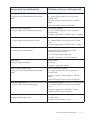
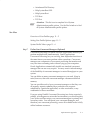
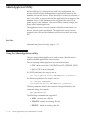
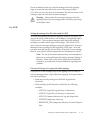
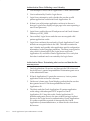
Users can see but not update this profile option.
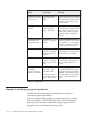
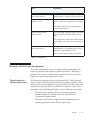
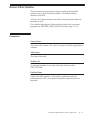
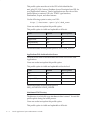
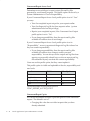
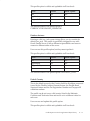
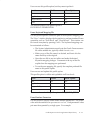
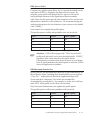
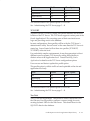
This profile option is visible and updatable at all four levels.
Level
Visible
Allow Update
Site
Yes
Yes
Application
Yes
Yes
Responsibility
Yes
Yes
User
Yes
Yes
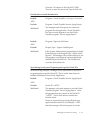
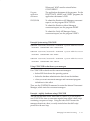
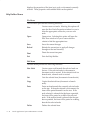
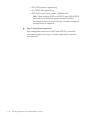
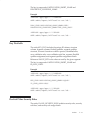
The internal name for this profile option is
SIGNON_PASSWORD_LENGTH.
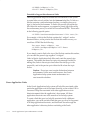
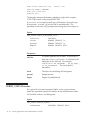
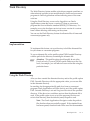
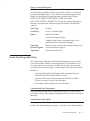
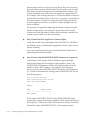
Signon Password No Reuse
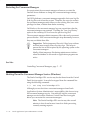
This profile option specifies the number of days that a user must wait
before being allowed to reuse a password.
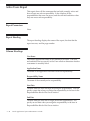
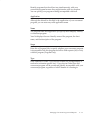
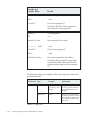
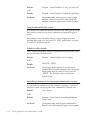
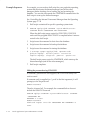
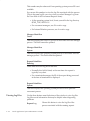
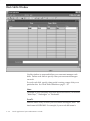
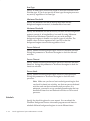
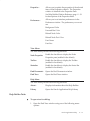
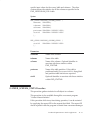
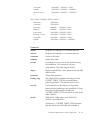
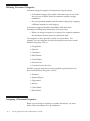
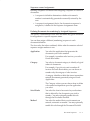
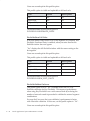
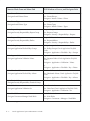
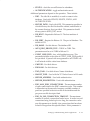
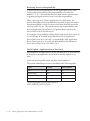
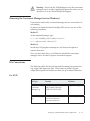
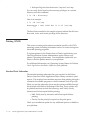
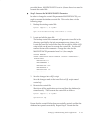
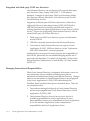
Users can see but not update this profile option.
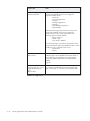
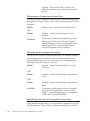
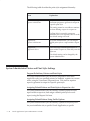
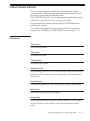
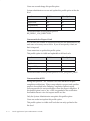
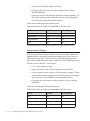
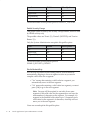
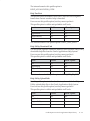
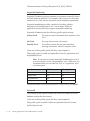
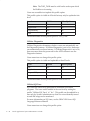
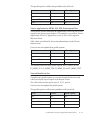
This profile option is visible and updatable at all four levels.
Level
Visible
Allow Update
Site
Yes
Yes
Application
Yes
Yes
Responsibility
Yes
Yes
User
Yes
Yes
Profile Options in Oracle Application Object Library
A – 41