1
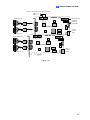
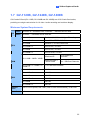
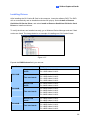
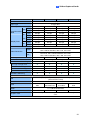
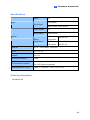
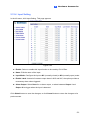
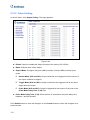
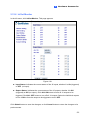
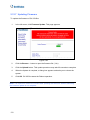
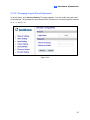
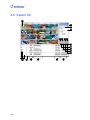
2 Hardware Accessories 2.12.4 Input Setting In the left menu, click Input Setting. This page appears. Figure 2-59 Enable: Select to enable this Input function to be used by GV-I/O Box. Name: Edit the name of the Input. Input Mode: Configure the input to NC (normally closed) or NO (normally open) mode. Enable Latch: Instead of constant output alarm in N/O and N/C, the option provides a momentary alarm when triggered. Alarm Output: Select None for no alarm output, or select between Output 1 and Output 16 to trigger when the input is detected. Click Submit button to save the changes, or click Cancel button to return the changes to its previous state. 173