1
Network Configuration
User Manual
3.3
ControlScape ♦ RadioLinx
RadioLinx® ControlScape FH
Graphical Layout Screen
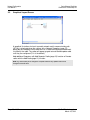
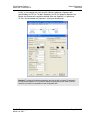
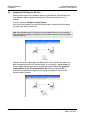
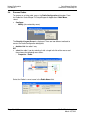
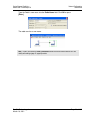
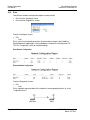
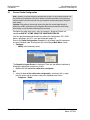
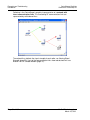
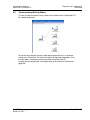
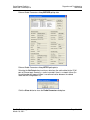
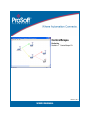
A graphical illustration of a basic two-radio network and its communication path
(RF link) is displayed when the settings of the Network Properties (page 75)
dialog box are accepted. Each radio icon has a radio name displayed underneath
it to identify the radio. The radios will appear grayed out and labeled update radio
until they are configured (This is the default).
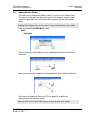
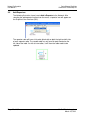
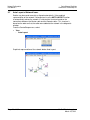
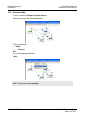
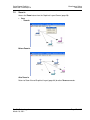
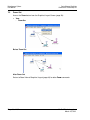
Add additional Repeaters with Add Repeater Radio (page 22) function or Remote
radios with the Add Radio (page 21) function.
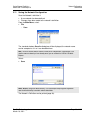
Note: Any remote radio can be changed to a repeater radio and any repeater radio can be
changed to a remote radio.
Page 20 of 132
ProSoft Technology, Inc.
March 16, 2011