1
Logitech Harmony Touch
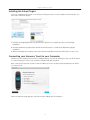
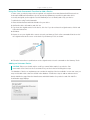
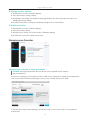
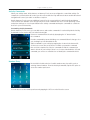
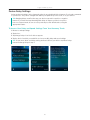
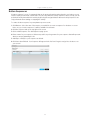
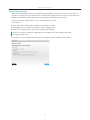
To add a favorite channel that does not appear in the list on the previous screen, select Add a favorite channel
to manually enter the name and number for that channel. Optionally, you can upload an icon for that channel
from your computer’s file system:
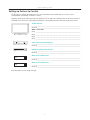
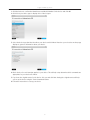
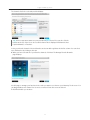
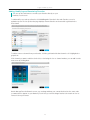
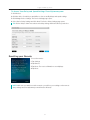
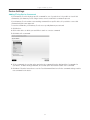
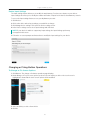
To modify the name, number or icon for a favorite channel, select it and click the Modify a favorite channel
link. Enter the channel name and channel number. You can also choose a channel icon from your computer file
system. Click Browse to select an icon file.
20