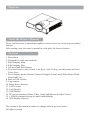
1
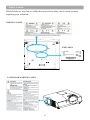
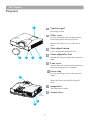
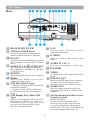
Part Names
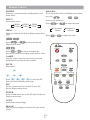
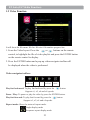
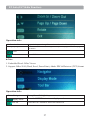
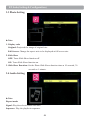
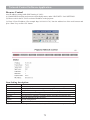
Touch Keypad
15 16
9
9
14
10
13
11
12
14
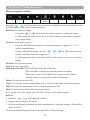
1 INPUT
9 VOLUME + / -
Select input source:
Sound louder or lower.
RGB 1
S-Video
10
1 MENU
RGB 2
Video
HDMI
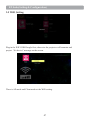
USB
Display or hide the OSD main menu
Note:
11 AUTO
If the projector cannot capture the signals
within 15 minutes, it will be shut down
automatically.
Automatically adjust the setting to match
the current input source.
12
1
(POWER)
15
1 POWER INDICATOR
Power On / Off.
Light on or flash to indicate the operating
status of the projector.
13
1 BLANK
Blank the projected image. The time of
Blank mode can be set in 15 minutes, 30
minutes or 60 minutes. The projector will
shut down automatically after passing each
set time.
16
1 LAMP INDICATOR
Indicates the status of the projector:
internal temperature, lamp door is not
properly closed or the projector is cooling
down.
8