1
Help Centre
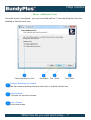
Back
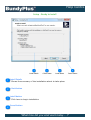
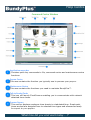
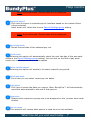
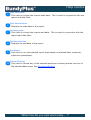
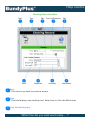
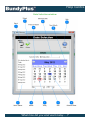
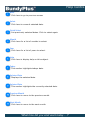
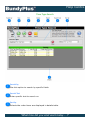
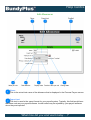
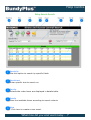
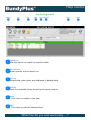
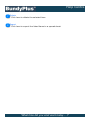
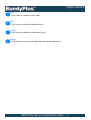
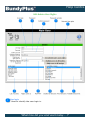
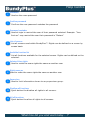
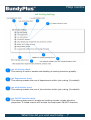
Click here to return to previous screen.
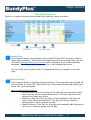
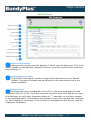
New
Click her to create a new clocking record for the selected Employee and date.
Edit
Click here to edit selected item.
Delete
Click here to delete selected item.
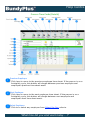
Employee
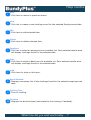
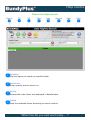
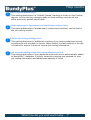
Click her to select an employee from available list. Once selected results area
will display clockings found for the selected date.
Date
Click here to select a date from the available list. Once selected results area
will display clockings found for the selected date.
Help
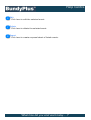
Click here for help on this topic.
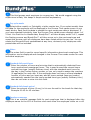
Result Window
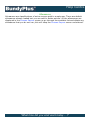
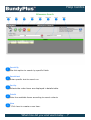
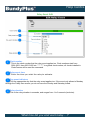
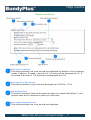
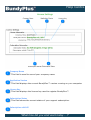
Displays a summary list of the clockings found for the selected employee and
date.
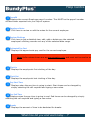
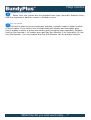
Clocking Time
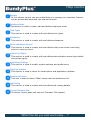
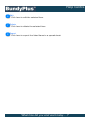
Time of clocking
Direction
Displays the direction(type) associated to the clocking (if enabled).
'What time did you start work today.....?'