1
174
Part III: Maintaining Your Vigilance
2. Click the Connect button.
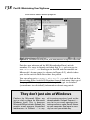
The program tells you whether updates are available.
3. If updates are available, click the Download Now
button.
Ad-aware downloads and installs new definitions.
4. Click the Finish button.
You’re done!
Spybot
To update Spybot’s spyware signatures, follow these steps:
1. Start the Spybot program.
2. Find and click the Search for Updates button.
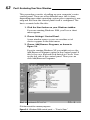
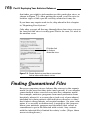
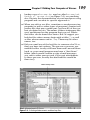
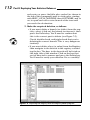
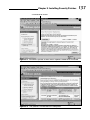
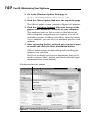
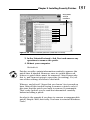
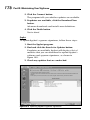
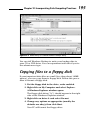
If updates are available, Spybot will display a list of
modules that you can download to update Spybot’s
software and spyware signatures, as shown in
Figure 10-9.
3. Check any updates that are unchecked.
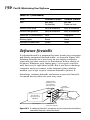
Figure 10-9: Updating Spybot’s spyware signatures.