1
Diagnostics
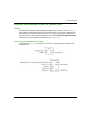
Email Diagnostics
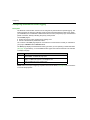
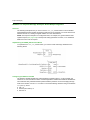
Diagnosing SMTP Transmissions
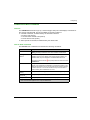
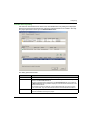
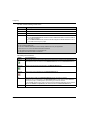
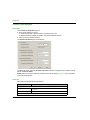
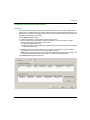
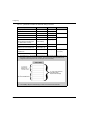
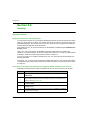
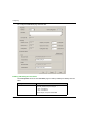
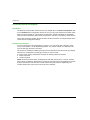
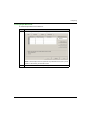
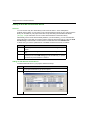
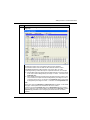
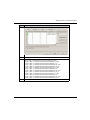
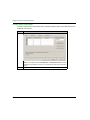
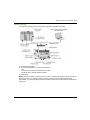
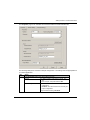
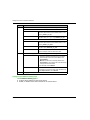
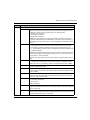
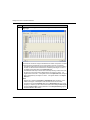
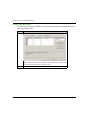
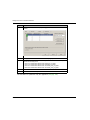
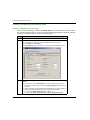
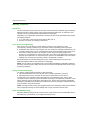
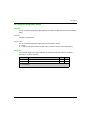
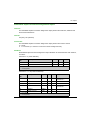
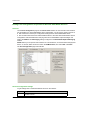
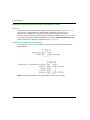
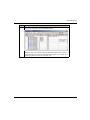
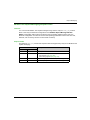
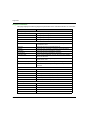
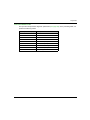
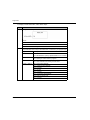
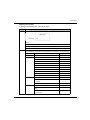
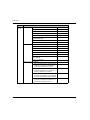
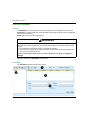
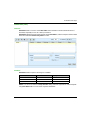
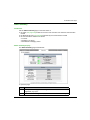
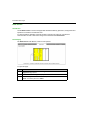
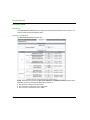
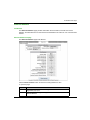
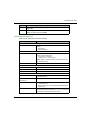
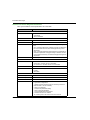
Use the Email Diagnostic page to display dynamically generated data describing the
communication module’s Email message transmissions.
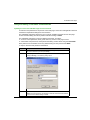
NOTE: Before you can open the Diagnostic window, connect the DTM for the target
communication module to the physical module itself. To do this, select the module node in the
DTM Browser, then select Edit →Connect.
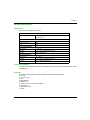
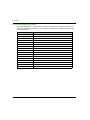
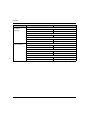
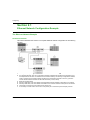
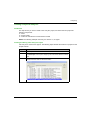
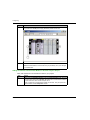
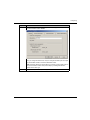
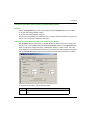
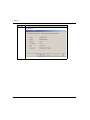
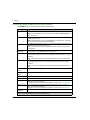
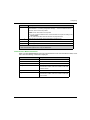
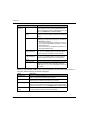
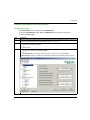
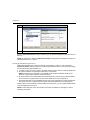
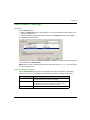
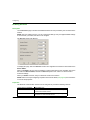
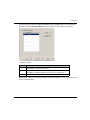
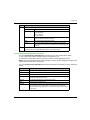
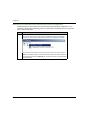
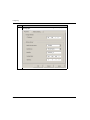
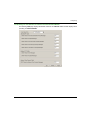
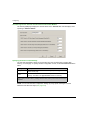
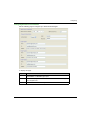
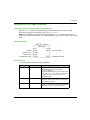
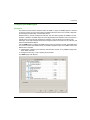
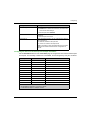
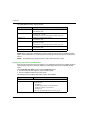
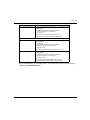
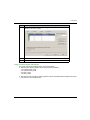
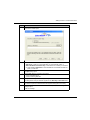
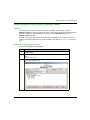
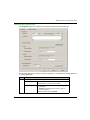
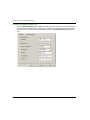
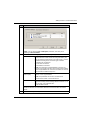
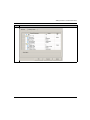
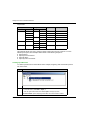
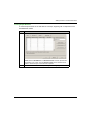
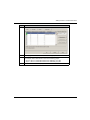
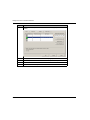
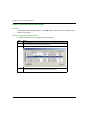
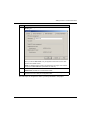
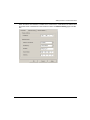
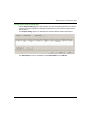
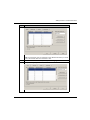
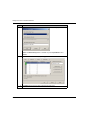
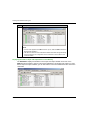
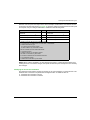
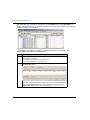
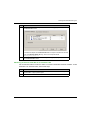
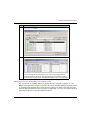
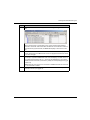
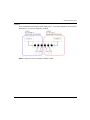
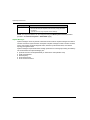
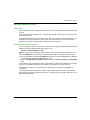
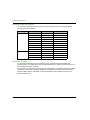
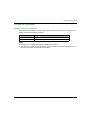
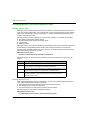
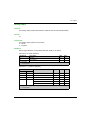
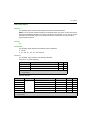
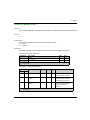
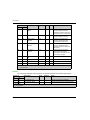
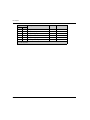
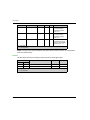
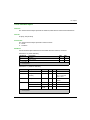
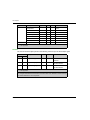
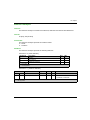
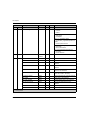
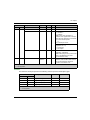
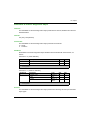
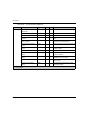
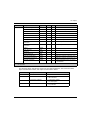
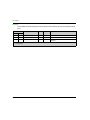
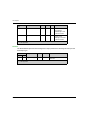
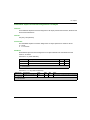
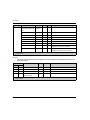
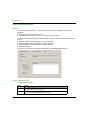
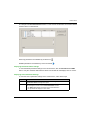
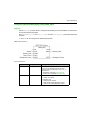
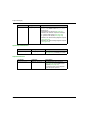
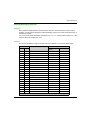
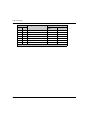
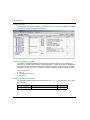
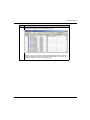
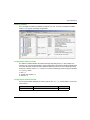
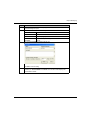
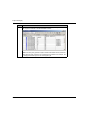
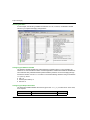
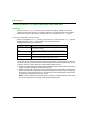
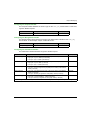
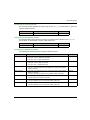
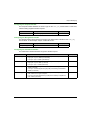
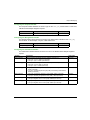
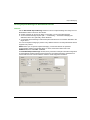
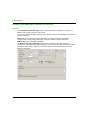
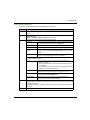
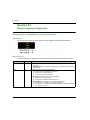
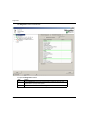
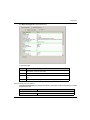
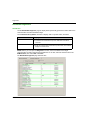
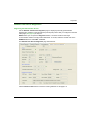
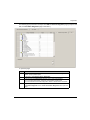
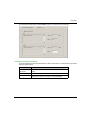
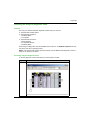
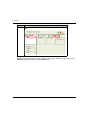
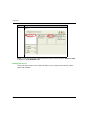
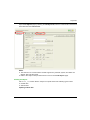
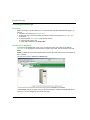
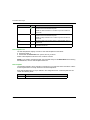
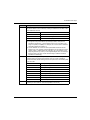
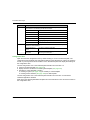
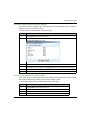
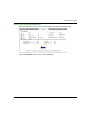
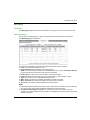
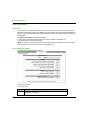
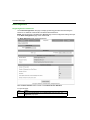
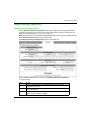
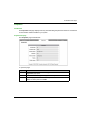
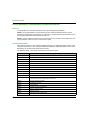
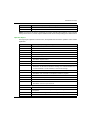
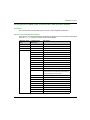
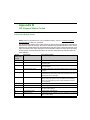
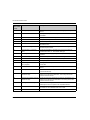
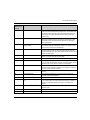
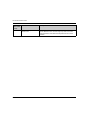
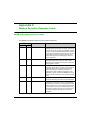
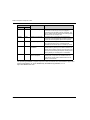
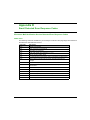
The Email Diagnostic page looks like this:
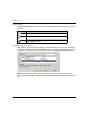
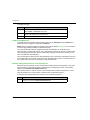
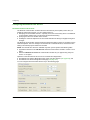
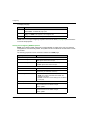
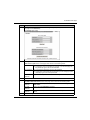
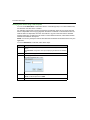
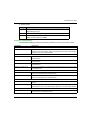
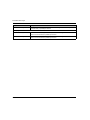
Click the Reset Counter button to reset the counting statistics on this page to 0.
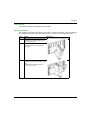
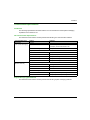
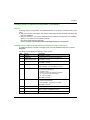
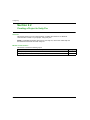
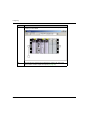
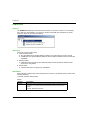
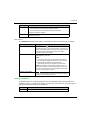
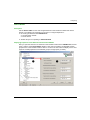
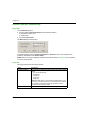
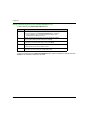
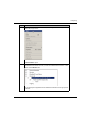
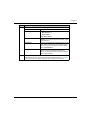
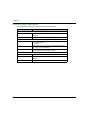
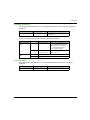
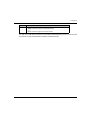
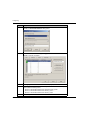
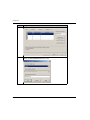
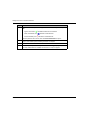
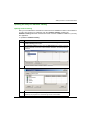
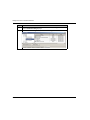
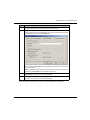
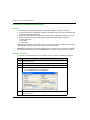
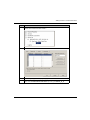
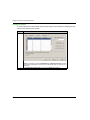
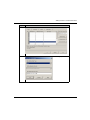
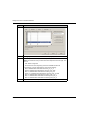
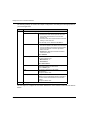
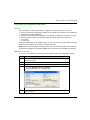
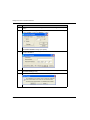
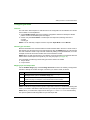
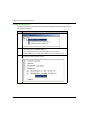
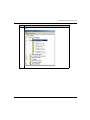
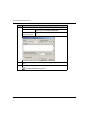
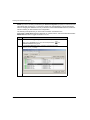
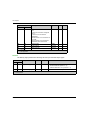
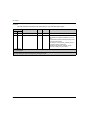
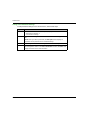
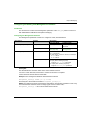
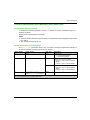
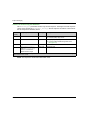
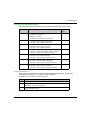
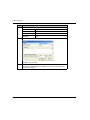
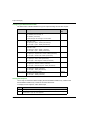
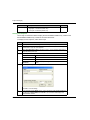
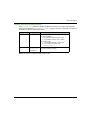
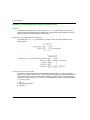
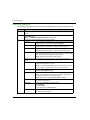
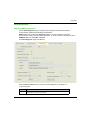
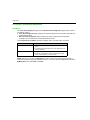
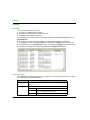
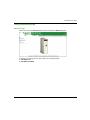
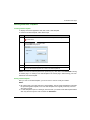
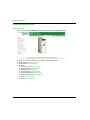
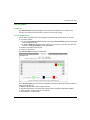
To open this page:
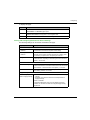
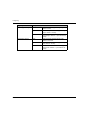
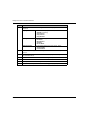
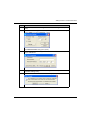
Step
Action
1
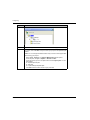
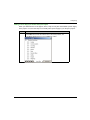
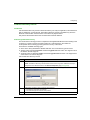
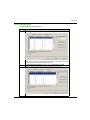
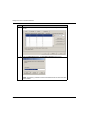
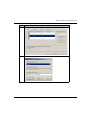
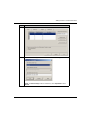
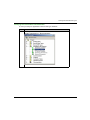
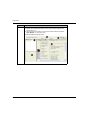
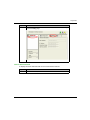
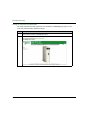
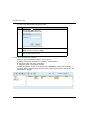
In the DTM Browser, select the communication module and click the right
mouse button. A pop-up menu opens.
S1A34003 10/2014
331