1
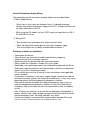
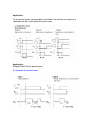
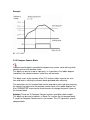
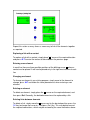
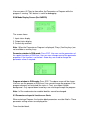
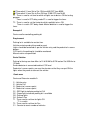
and contact number, which will be highlighted for a few seconds. The selected
contact will appear at the position selected in the program. The selected contact
number will be shown with a tick mark to indicate that it has been used in the
program. You can right click on any of the contact to change its type and
properties.
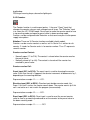
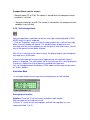
Connecting inputs and outputs
Each circuit connection runs from left to right. Please remember this when you
interconnect contacts and relay coils. User can draw a circuit connection
horizontally from left to right and vertically between adjacent circuit connections.
An intersection of circuit connections represents an electrical connection.
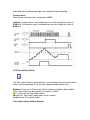
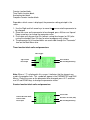
Horizontal connection:
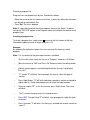
To make a horizontal connection, click on the horizontal dotted line in the
connection box of the circuit. Or to make connection in contact box, press right
button and select "Joining link". Generally when an output coil is placed in the
fourth column, it gets horizontally connected automatically.
Vertical connection:
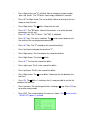
To make a vertical connection click on the vertical dotted line in the connection
box of the circuit. Vertical connection represents OR connection. For deleting a
connection just left click on the connection line.
To delete a coil, Press right click on the connection you want to delete, and press
Delete contact or delete coil.
Inserting and deleting a whole line in the program
Right click on the row above that you want to insert a line and select "Insert
Line". Right click on the row that you want to delete and select "Line Delete".
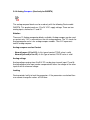
Specifying parameters:
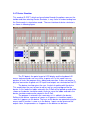
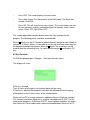
In the program-editing window, take mouse pointer to the required contact
position. Right click of mouse and select "Properties". The properties window will
appear in the program
Adding readability to the program
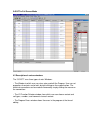
Writing comments adds readability. You can write comments for each program
line. You can write a comment for each contact and coil. To do this, click on the
connection number from the I/O function selector window and write comment.