1
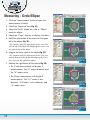
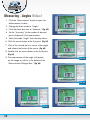
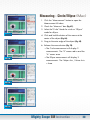
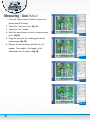
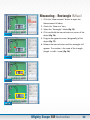
Measuring - Triangle
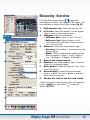
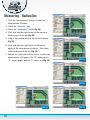
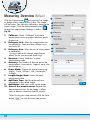
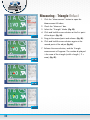
1. Click the “Measurement” button to open the
Measurement Window.
2. Check the “Measure” box.
3. Select the “Triangle” Mode. (Fig. 43).
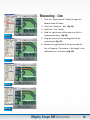
4. Click and hold the right button of the mouse at
FIG. 43
the first point of the object. (Fig. 44).
5. Drag to the second point and release. (Fig. 45).
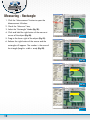
6. Click and hold the right button of the mouse
again at the second point of the object (Fig. 46).
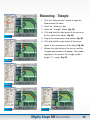
7. Release the right button of the mouse, and the
Triangle measurement will appear. The number
displayed is the area of the triangle (width x
length / 2 = area). (Fig. 47).
FIG. 44
FIG. 45
FIG. 46
FIG. 47
Mighty Scope 5M Instruction Manual 20