1
User Manual
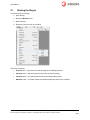
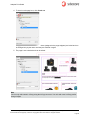
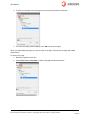
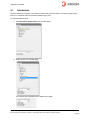
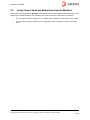
6. To save your changes select the page item in the tree and click the save button:
7. The save item dialog window displays. Click OK to save the changes.
When you finish editing the page, you need to check in the page. This unlocks the page and related
content items.
To check in the page:
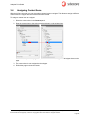
1. Select the page item in the tree
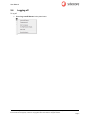
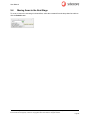
2. Click Check in the current item to check in the page and all related items.
Sitecore® is a registered trademark. All other brand and product names are the property of their respective holders. The contents of
this document are the property of Sitecore. Copyright © 2001-2012 Sitecore. All rights reserved.
Page 15