1
User Manual
4.2
Using Low Resolution or High Resolution Images
When working online, you can only use low resolution images that are extracted from the Sitecore media
library and then downloaded to InDesign. However, when working on a local area network (LAN) with
access to high resolution images (stored on a file server) you can also use the high resolution images
without the need to run a server based production setup. Consult your supplier on how to set up such a
production environment.
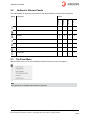
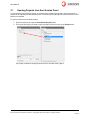
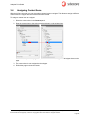
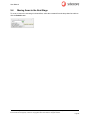
To switch to high resolution images on the desktop, select Use High Resolution Images from the panel
menu. To switch back to low resolution images, select Use Low Resolution Images from the panel menu.
Sitecore® is a registered trademark. All other brand and product names are the property of their respective holders. The contents of
this document are the property of Sitecore. Copyright © 2001-2012 Sitecore. All rights reserved.
Page 19