1
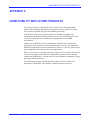
THE PARAMETER LIST
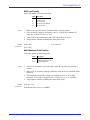
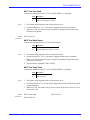
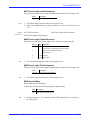
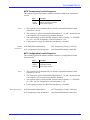
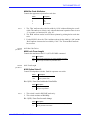
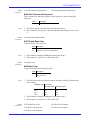
#121 Set Simulated Bold Sequence
#122 Exit Simulated Bold Sequence
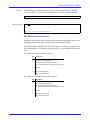
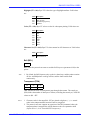
These sequences are sent to the printer to simulate double strike printing on laser
printers by setting/resetting microstep adjustment.
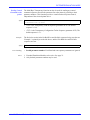
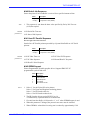
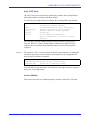
Value
Description
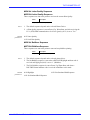
<any seq.> Set/Exit Simulated Bold Sequence
Notes:
1. The default sequences depend on the selected printer driver.
2. These sequences are sent when a character is printed a second time at the same
print position.
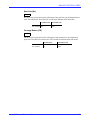
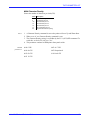
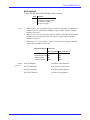
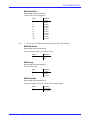
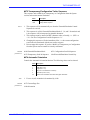
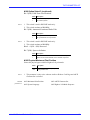
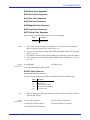
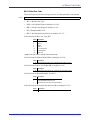
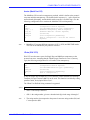
#123 Header Text
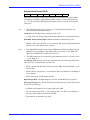
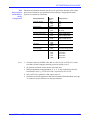
This sequence is printed on the second line of the Parameter List.
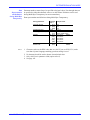
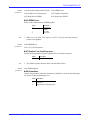
Value
Description
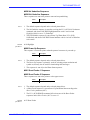
<any seq.> Header Text
*<empty>
Factory default sequence
Note:
1. Use this sequence to add your own information to the Parameter List header.
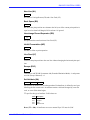
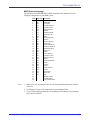
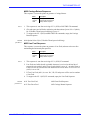
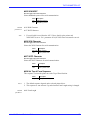
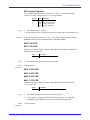
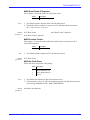
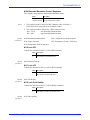
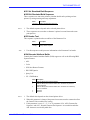
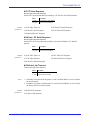
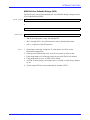
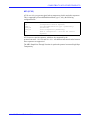
#124 Extended Attribute Buffer
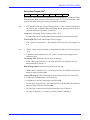
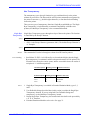
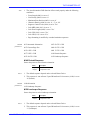
Controls the Extended Attribute Buffer (EAB) support as well as the following IBM
System Features:
• APL
• Color
• SCS Save/Restore Formats
• DSC/DSE Queries
• Query List
• LU-1 FM Headers
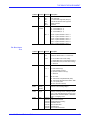
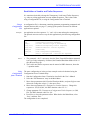
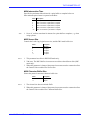
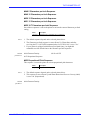
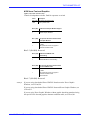
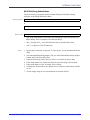
Value Description
0
1
2
3
4
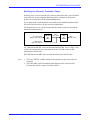
Notes:
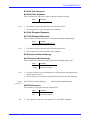
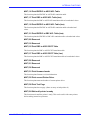
EAB and IBM System Features disabled
EAB and IBM System Features enabled, APL characters are printed as
normal characters.
EAB and IBM System Features enabled, APL characters are emulated by
PC Set 2 characters.
Reserved
Reserved
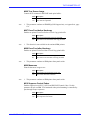
1. The default value depends on the selected printer driver.
2. When this parameter is changed, the protocol converters must be restarted to allow
the Control Unit to read the new setting.
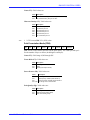
3. If this parameter is set to '1', ‘2’, '3' or '4', parameter #126, ‘APL Character Set
Sequence’ and #125, ‘Normal Character Set Sequence’ are sent before and after
APL characters to switch Symbol Sets.
Axis AX-7 Cobra+ Technical Reference
95