1
KLN 89/KLN 89B Pilot’s Guide
Basic GPS Operation
3.7.3. SELECTING WAYPOINTS BY SCANNING
You may also select waypoints by scanning through them. This may
be done with the cursor either on or off.
To select a waypoint by scanning with the cursor off:
1. Select the page type for the waypoint you are looking for (APT,
VOR, NDB, INT or USR).
2. Pull the right inner knob to the “out” position.
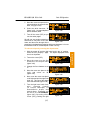
3. Turn the right inner knob clockwise to scan through the
waypoints in alphabetical order, or counterclockwise to scan in
reverse alphabetical order. Remember that numbers are
considered lower in order than letters. Thus, the airport identifier
KA2 comes before KAAF.
You may also want to scan waypoints with the cursor on. This is
especially useful if you remember the first part of the identifier, or if
you wanted to scan all airports that start with a KL, for example.
Let’s give it a try.
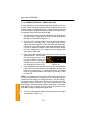
To select a waypoint by scanning with the cursor on:
1. Select the page type for the waypoint you are looking for (APT,
VOR, NDB, INT or USR). In this case, we want the APT 1 page.
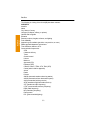
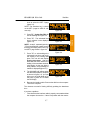
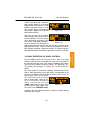
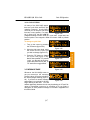
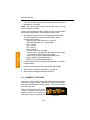
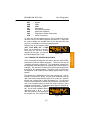
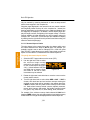
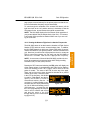
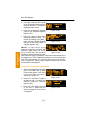
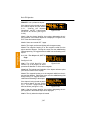
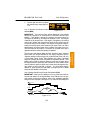
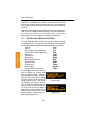
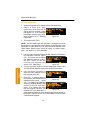
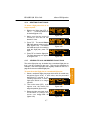
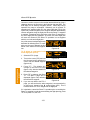
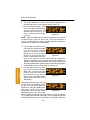
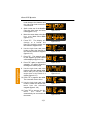
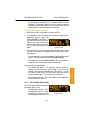
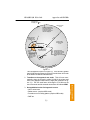
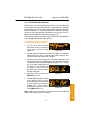
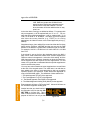
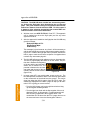
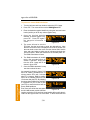
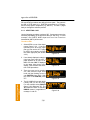
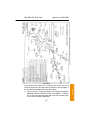
2. Turn on the cursor (B). It will
appear over the first character of
the waypoint identifier. Select a
K with the right inner knob.
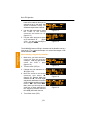
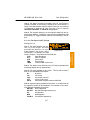
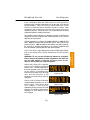
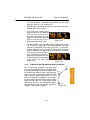
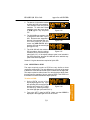
3. Move the cursor one place to the
right and select an L (figure 376).
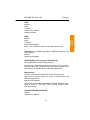
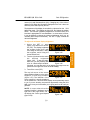
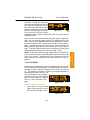
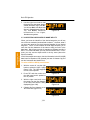
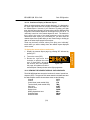
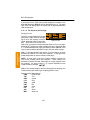
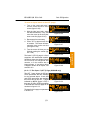
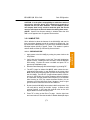
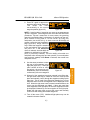
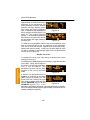
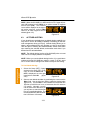
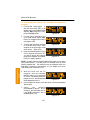
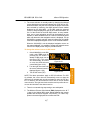
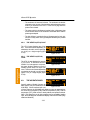
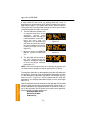
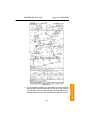
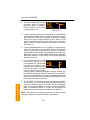
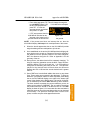
4. Move the cursor one place to the
right and pull the right inner knob
out. The last two characters of
the waypoint identifier will be
flashing (figure 3-77).
3-23
åå.ånm| KL3
850ft
åååååå|WUNNUMMIN LAKE
Leg|WUNNIMMIN LAKE
*CRSR*|ON
APT
VOR
NDB
INT
USR
ACT
NAV
FPL
CAL
SET
OTH
Figure 3-76
åå.ånm| KL3
850ft
åååååå|WUNNUMMIN LAKE
Leg|WUNNIMMIN LAKE
*CRSR*|ON
APT
VOR
NDB
INT
USR
ACT
NAV
FPL
Figure 3-77
CAL
SET
OTH
Basic GPS Operation
Chapter 3
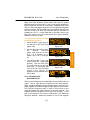
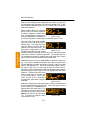
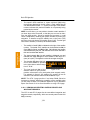
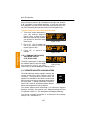
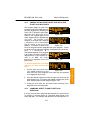
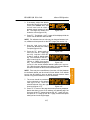
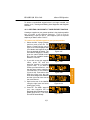
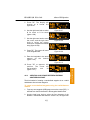
NOTE: The faster you turn the knob while scanning, the larger the
step through the waypoints. This variable rate scanning allows you to
get from one end of the list to the other very quickly. When the knob
is turned slowly, you will go through the waypoints one at a time.