Download FactoryTalk® View Machine Edition User`s Guide
Transcript
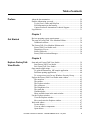
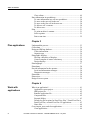
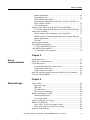
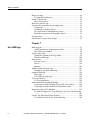
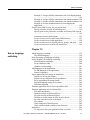
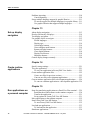
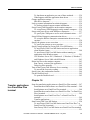
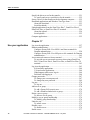
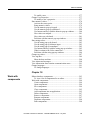
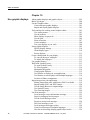
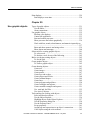
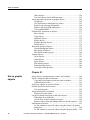
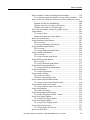
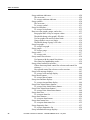
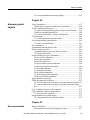
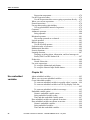
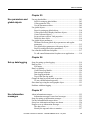
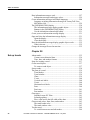
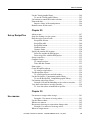
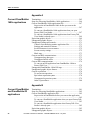
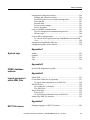
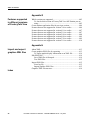
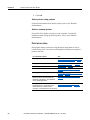
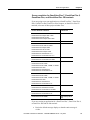
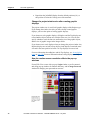
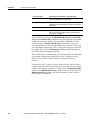
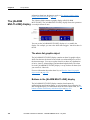
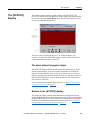
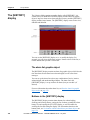
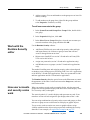
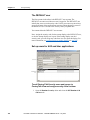
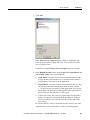
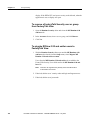
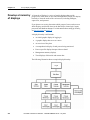
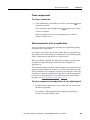
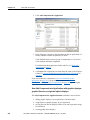
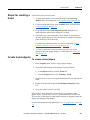
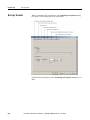
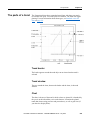
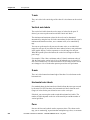
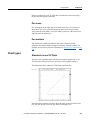
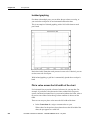
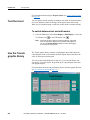
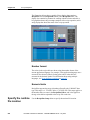
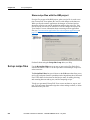
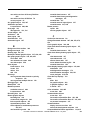
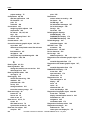
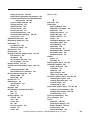
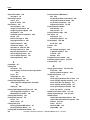
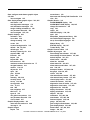
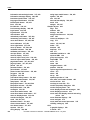
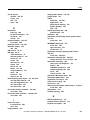
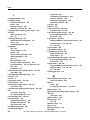
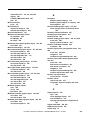
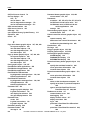
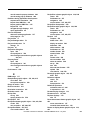
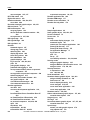
Table of contents How information messages work...................................................... 527 Information messages and trigger values .................................... 529 Create information messages in multiple languages ......................... 529 Language switching information messages in FactoryTalk View ME Station 4.00 .......................................................................... 529 The [INFORMATION] display ........................................................ 530 The information message display graphic object........................ 530 Buttons in the [INFORMATION] display .................................. 530 Use the information acknowledge button ................................... 531 Create your own information message display ................................. 531 Open and close the information message display ............................. 531 Open the display ......................................................................... 531 Close the display ......................................................................... 531 How the information message display graphic object works ........... 532 What is shown ............................................................................. 532 Change the message file used at run time ......................................... 532 Chapter 28 Set up trends 24 About trends ...................................................................................... 535 Current versus historical data...................................................... 536 Time, date, and number formats ................................................. 536 Steps for creating a trend .................................................................. 537 Create trend objects........................................................................... 537 To create a trend object ............................................................... 537 Set up trends ...................................................................................... 538 The parts of a trend ........................................................................... 539 Trend border................................................................................ 539 Trend window ............................................................................. 539 Chart ............................................................................................ 539 Y-axis .......................................................................................... 540 Vertical axis labels ...................................................................... 540 X-axis .......................................................................................... 540 Horizontal axis labels.................................................................. 540 Pens ............................................................................................. 540 Pen icons ..................................................................................... 541 Pen markers ................................................................................. 541 Chart types ........................................................................................ 541 Standard versus XY Plots ........................................................... 541 Isolated graphing ......................................................................... 542 Plot a value across the full width of the chart ............................. 542 Choose trend colors, fonts, lines, and markers ................................. 543 The trend border color ................................................................ 543 The trend window color .............................................................. 543 Test the trend..................................................................................... 544 To switch between test and edit modes....................................... 544 Rockwell Automation Publication - VIEWME-UM004K-EN-E – July 2015
Related documents
FactoryTalk View Machine Edition User`s Guide
User`s Guide Volume 1
FactoryTalk View Machine Edition User's Guide
ThermoChill LR Recirculating Chillers User Manual
NewAir ACP-1400E User's Manual
User`s Guide Volume 2
Report Design Guide
Body of Model Trailer User`s Manual
RA-UM001B-EN-P, Using the Mining, Mineral
ViewSE-UM006 - Literature Library
Hands-On Lab Workbook: