1
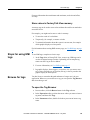
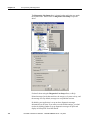
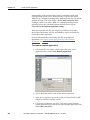
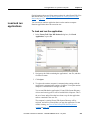
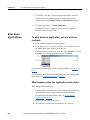
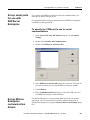
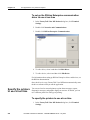
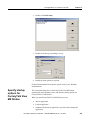
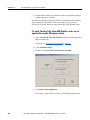
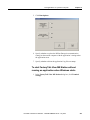
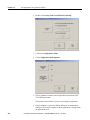
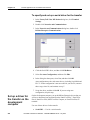
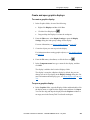
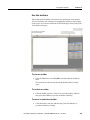
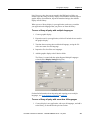
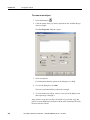
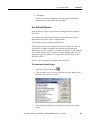
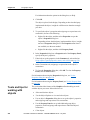
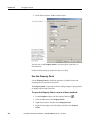
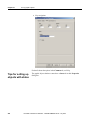
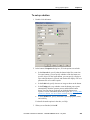
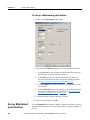
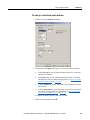
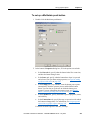
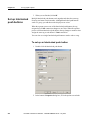
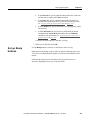
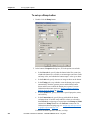
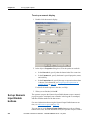
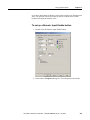
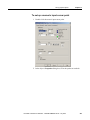
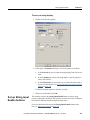
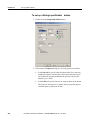
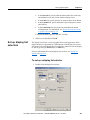
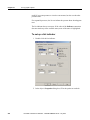
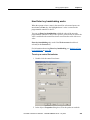
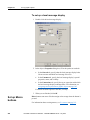
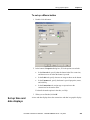
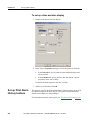
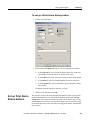
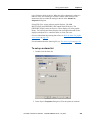
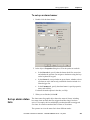
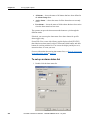
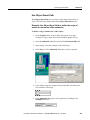
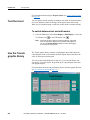
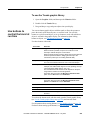
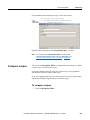
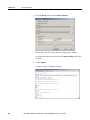
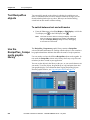
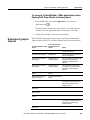
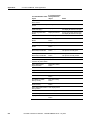
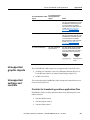
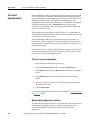
Chapter 21 Set up graphic objects To set up a time and date display 1. Double-click the time and date display. 2. In the object’s Properties dialog box, fill in the options on each tab: In the General tab, specify what the time and date display looks like at run time. In the Common tab, specify the time and date display’s spacial properties, name, and visibility. For details about the options in the tabs, see Help. 3. When you are finished, click OK. Set up Print Alarm History buttons The operator can press the Print Alarm History button to print a report of all the alarm messages in the alarm log file. The report can include the time alarms occurred and were acknowledged. For information about the alarm log file, see The alarm log file on page 129. 446 Rockwell Automation Publication - VIEWME-UM004K-EN-E – July 2015