1
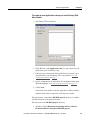
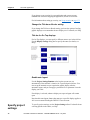
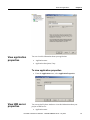
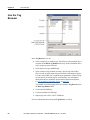
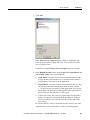
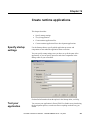
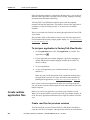
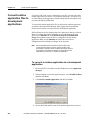
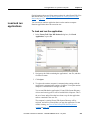
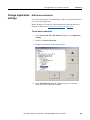
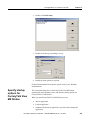
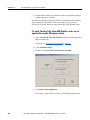
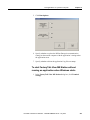
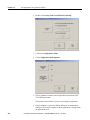
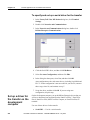
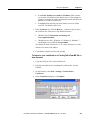
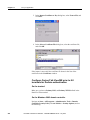
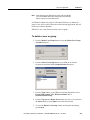
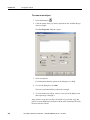
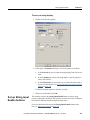
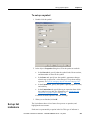
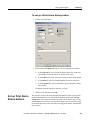
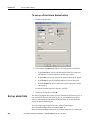
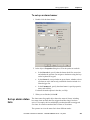
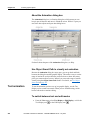
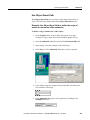
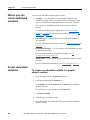
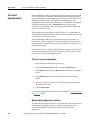
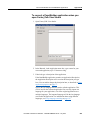
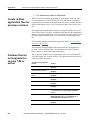
Work with applications Chapter 4 To create a new application when you start FactoryTalk View Studio 1. Start FactoryTalk View Studio. 2. In the New tab, in the Application name box, type a name for your application, up to 32 characters long. 3. If desired, type a description of the application. If you don’t type a description now, you can add one later, as described on To view application properties on page 77. 4. Specify a language for the application. For information about using different languages, see Set up language switching on page 197. 5. Click Create. FactoryTalk View Studio creates the application’s folders and files, and then shows the new application in the Explorer window. The application is created in the ME\HMI projects directory, in a folder with the same name as the application name. This is the path to the ME\HMI projects directory: (Windows XP) C:\Documents and Settings\All Users\Shared Documents\RSView Enterprise\ME\HMI projects Rockwell Automation Publication - VIEWME-UM004K-EN-E – July 2015 65