1
12. JPEG Album
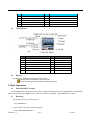
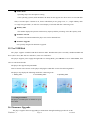
This function supporting all JPEG format picture in network.
1.
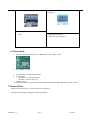
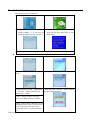
At the main MENU
2. Press : button to choose “
JPEG Album”
option:
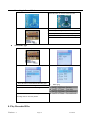
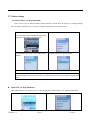
3.press MENU button to enter picture 4. Press : button to choose desired picture, and
selection(if no pictures are present, the then press Play button to view
display will read “ No files)
5. Press : /9 button to browse picture in sequence..(only suitable for ” Manual play”
l
)
。
。
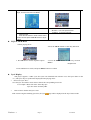
Play set
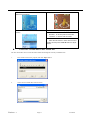
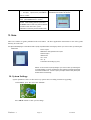
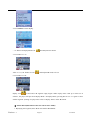
1. At the picture selection MENU:
Version: 1.7
2. Press MENU button to enter picture submenu
3. Press : button to select the “ play set ”
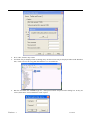
4. Press MENU button to enter the interface as
option:
follows:
Page 15
9/15/2006