1
l
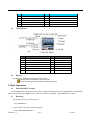
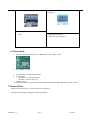
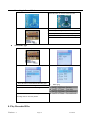
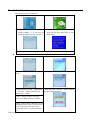
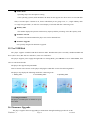
Entering Different Modes
You may enter different modes from the main MENU.
Music mode:
Record mode:
Voice mode:
FM mode:
Browsing Pictures:
System Setting:
USB Mode when connecting to PC:
l
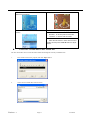
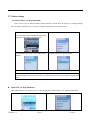
Volume Control
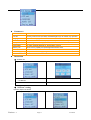
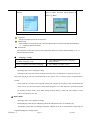
At the music mode, voice mode and FM mode, press VOL buttons to enter the volume control
interface and then press the :/9 button to adjust volume
l
Power On/Off
1. Turn on automatically
w
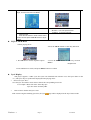
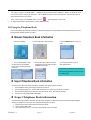
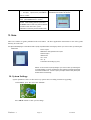
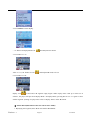
After pushing the Power button ( OFF→ON) , the player will turn on automatically and enter
powered on state:
w
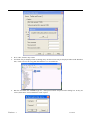
w When connecting the USB cable to PC, the player will turn on automatically and enter USB mode:
Remark:
Press MENU button to return to the main MENU at the modes. When connecting the USB cable to
PC. Press and hold PLAY button then will go back to USB mode.
Version: 1.7
Page 6
9/15/2006