1
NB3700 User Manual
in the 5 GHz band, higher throughput in 20/40 MHz mode can be achieved with
802.11n
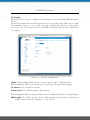
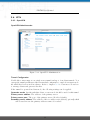
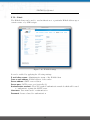
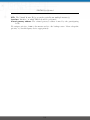
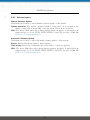
Radio band: Selects the radio band to be used for connections, depending on your
module it could be 2.4 or 5 GHz
Channel: Specifies the channel to be used
Prior to setting up an access point, it is always a good idea to run a network scan
for getting a list of neighboring WLAN networks and then choose the less interfering
channel. Please keep in mind that two adequate channels are required for getting good
throughputs with 802.11n in the 40 MHz radio band.
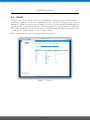
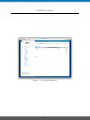
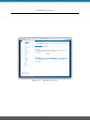
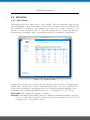
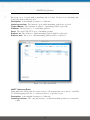
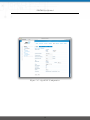
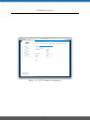
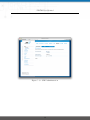
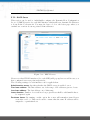
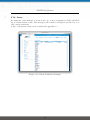
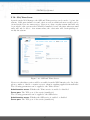
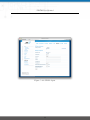
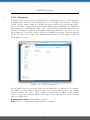
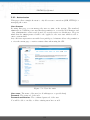
Running in client mode, you can select the network to which you want to connect to
and enter the required authentication settings. You may also perform a WLAN network
scan and pick the settings from the discovered information directly. The credentials can
be obtained by the operator of your WLAN access point.
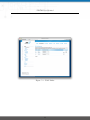
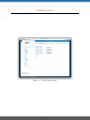
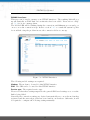
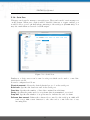
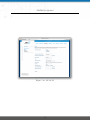
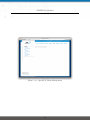
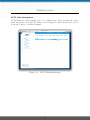
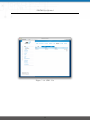
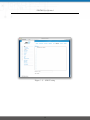
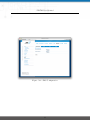
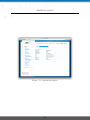
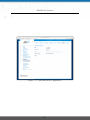
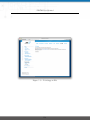
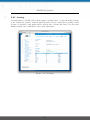
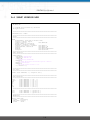
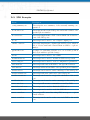
Figure 5.11.: WLAN Scan
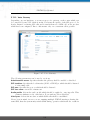
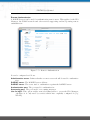
WLAN Interfaces
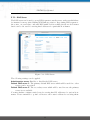
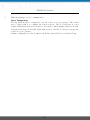
An access point can define up to 4 networks being broadcasted. The networks can
be individually bridged to a LAN interface or operate as dedicated interface in routingmode.
39