1
DPX 4 User Guide
Chapter 4 – Media Handling
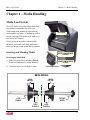
Media Load System .........................................................................................................................11
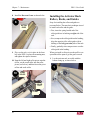
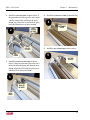
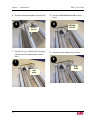
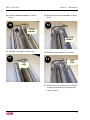
Inserting and Mounting Media .................................................................................................11
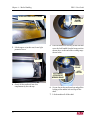
Removing the Media Roll ..................................................................................................11
Mounting a New Media Roll .............................................................................................14
Chapter 5 – Working with DotManager
General ............................................................................................................................................15
Menus ..............................................................................................................................................15
File menu ...........................................................................................................................16
View menu .........................................................................................................................16
Tools menu ........................................................................................................................16
Help menu ..........................................................................................................................16
Buttons .............................................................................................................................................16
Windows ..........................................................................................................................................17
Control Windows ......................................................................................................................17
Platesetter Tab ....................................................................................................................17
Media Tab ..........................................................................................................................19
Service Tab ........................................................................................................................19
EcoPreferences Tab ...........................................................................................................20
Setup Window ..........................................................................................................................21
Product License Keys ........................................................................................................22
RIP Management Windows ......................................................................................................22
Setup Tab ...........................................................................................................................23
License Tab ........................................................................................................................23
Spool Tab ...........................................................................................................................24
Imagesetter Tab ..................................................................................................................24
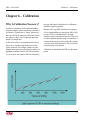
Chapter 6 – Calibration
Why Is Calibration Necessary? .......................................................................................................27
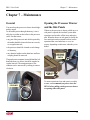
Chapter 7 – Maintenance
General ............................................................................................................................................29
Opening the Processor Drawer and the Side Panels ........................................................................29
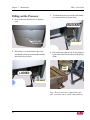
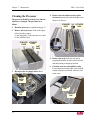
Pulling out the Processor .................................................................................................................30
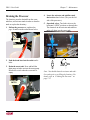
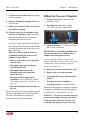
Draining the Processor ....................................................................................................................31
iv