1
UserManualESVP/ESH3RCSV1.1
Appendix – Quick Start Guide
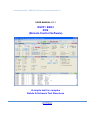
9.4. How to enter values in a box and save them?
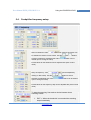
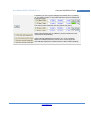
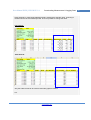
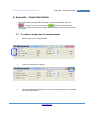
All the blue values can be edited. For example it is possible to change the step size
and to save it into your own configuration file
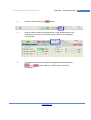
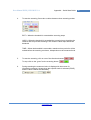
1.
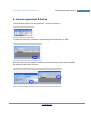
Click with your cursor on the (blue) text
2.
Enter the new value.
3.
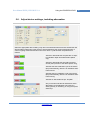
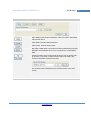
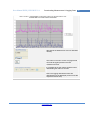
Click on Ok. A check on maximum and minimum values is performed. If
all ok the value will be updated in the screen
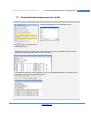
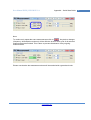
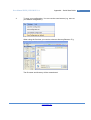
On error a message like below could occur.
Enjoy Remote Measurements
www.30Dbm.com
© 2013 Jos Delissen
33