1
ILLUSTRATIONS
FIGURES
SECTION 1
Create a New Project
Figure
Figure
Figure
Figure
Figure
Figure
Figure
Figure
Figure
1-1
1-2
1-3
1-4
1-5
1-6
1-7
1-8
1-9
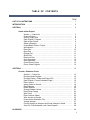
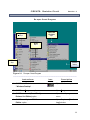
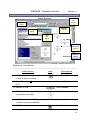
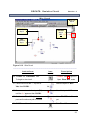
Create a Folder and Save to Floppy Disk ……………
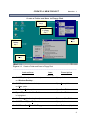
Open PSpice™ Program ………………………………
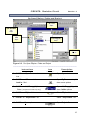
Open a New Project …………………………………
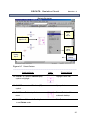
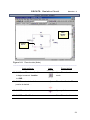
Select a Directory ………………………………………
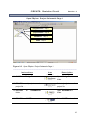
Create Blank PSpice Project …………………………
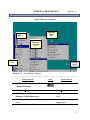
Add Libraries ...…………………………………………
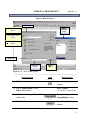
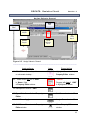
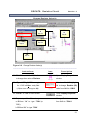
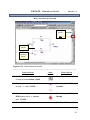
Place Part ………………………………………………
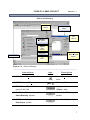
Move, Enlarge, Shrink, and Remove a Part …………
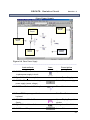
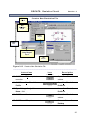
Undo Command, Save Schematic, Close
Project, and Close Program ……………………...
4
5
6
7
8
9
10
11
12
SECTION 2
Circuits: Resistive Circuit
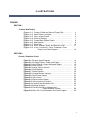
Figure 2-1 Re-open Orcad Program ………………….………………
Figure 2-2 Re-Open PSpice™ Folder and Project ….………………
Figure 2-3 Open PSpice™ Project Schematic Page 1 ……………
Figure 2-4 Place Ground ………………………………….……………
Figure 2-5 Assign Value to Ground …………………………………
Figure 2-6 Place Resistor ………………………………………………
Figure 2-7 Rotate Resistor ……..………………………………………
Figure 2-8 Change Resistor Value(s) ..........…………………………
Figure 2-9 Place Power Supply ………………………………………
Figure 2-10 Wire Circuit ………………………………………………
Figure 2-11 Place Junction (Node) ……………………………………
Figure 2-12 Wire Junction to Ground …………………………………
Figure 2-13 Create a New Simulation File ……………………………
Figure 2-14 Voltage Analysis……………………………………………
Figure 2-15 Current Analysis in Amperes and
Power Analysis in Watts …………………
Figure 2-16 Save File, Print Schematic, and Close Program ………
14
15
16
17
18
19
20
21
22
23
24
25
26
27
28
29
1