1
ioPAC 8020 Rugged Remote I/O
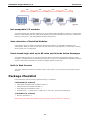
Hot-swappable I/O Function
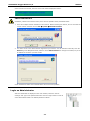
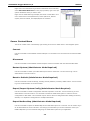
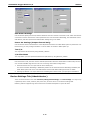
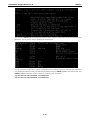
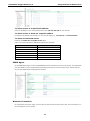
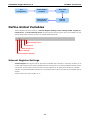
1. Continue and apply all new modules
This action does not clear Click&Go settings. Click&Go will continue or stop operating based on whether or
not the “Unmatched I/O Modules” option on the Watchdog tab is checked. You should understand that there
is some risk to running Click&Go with the watchdog disabled. Selecting this pption will clear the watchdog
alarm automatically if the watchdog is enabled. All configurations of the old module will be preserved, and
new added modules will be applied with default settings.
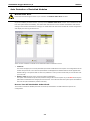
2. Restore order (recover the original module combination)
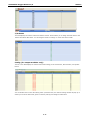
You will need to shut down the system power and recover the original module combination yourself. After
solving the issue, you must manually clear the Watchdog Alarm.
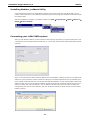
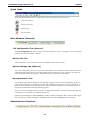
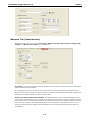
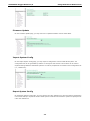
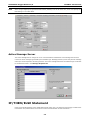
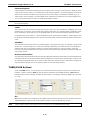
Disable/Enable “Unmatched I/O Modules”
Watchdog
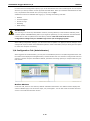
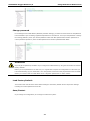
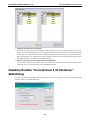
If you do not want to stop Click&Go when the I/O module combination changes, uncheck the “Unmatched I/O
Modules” option on the “Watchdog” tab.
6-3