1
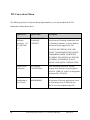
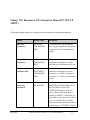
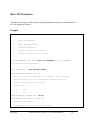
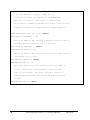
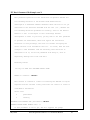
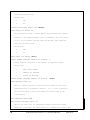
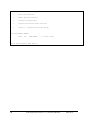
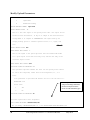
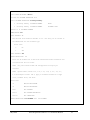
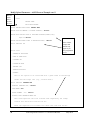
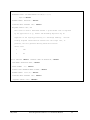
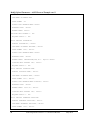
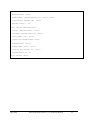
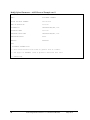
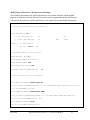
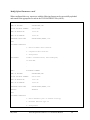
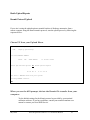
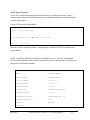
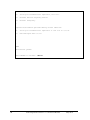
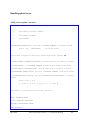
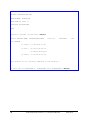
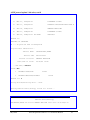
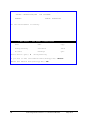
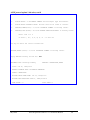
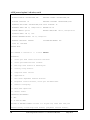
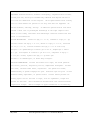
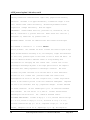
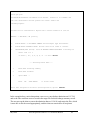
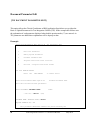
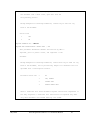
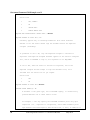
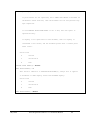
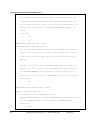
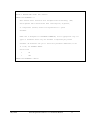
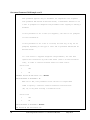
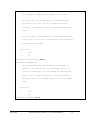
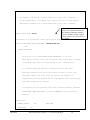
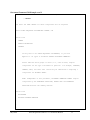
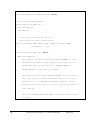
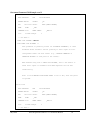
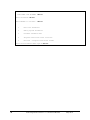
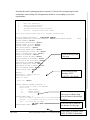
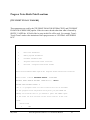
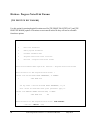
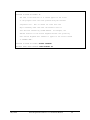
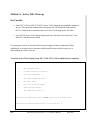
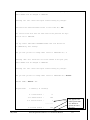
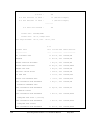
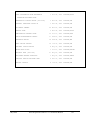
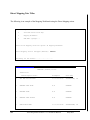
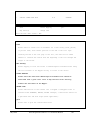
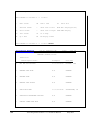
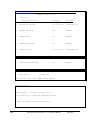
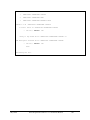
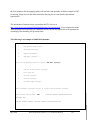
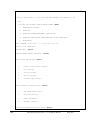
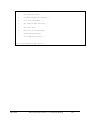
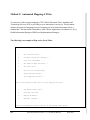
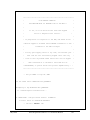
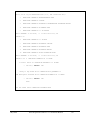
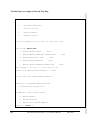
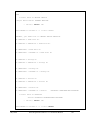
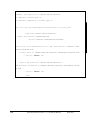
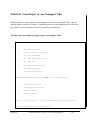
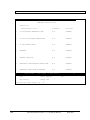
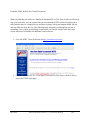
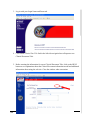
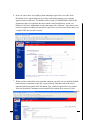
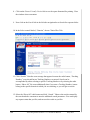
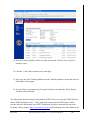
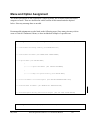
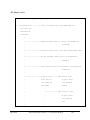
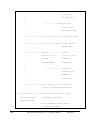
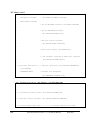
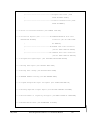
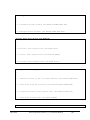
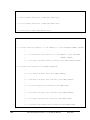
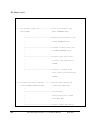
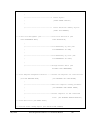
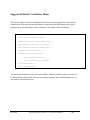
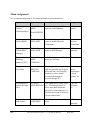
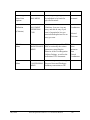
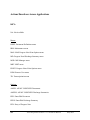
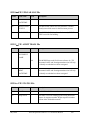
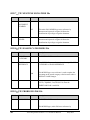
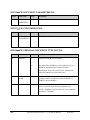
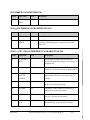
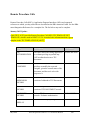
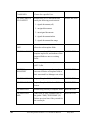
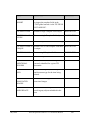
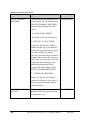
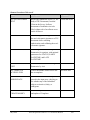
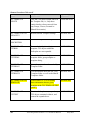
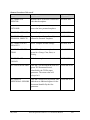
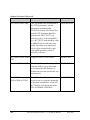
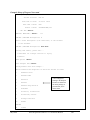
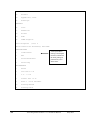
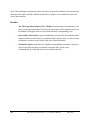
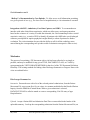
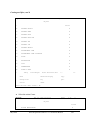
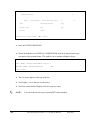
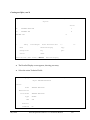
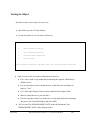
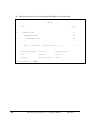
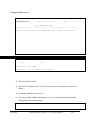
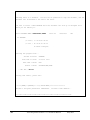
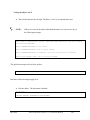
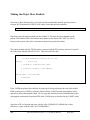
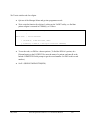
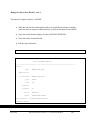
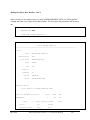
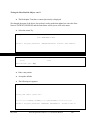
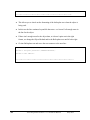
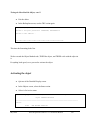
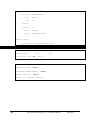
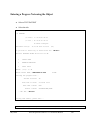
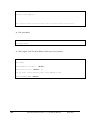
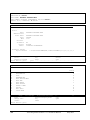
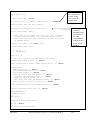
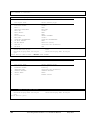
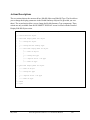
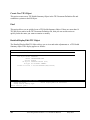
Implement Upload Utility There are two steps to enable uploading of reports into VISTA. Step 1: Set up your Terminal Emulator Step 2: Enter Upload Utility Parameters Examples of these two steps are given on the following pages. Two examples are shown for entering upload parameters—ASCII and Kermit. If you are using a commercial wordprocessing program, documents must be saved to ASCII format. Host File Server: If the ASCII upload source is defined as (H)ost,, data will be an ASCII host file such as VMS or DOS. Remote Computer: If the ASCII upload source is defined as (R)emote, data will be read from an ASCII stream coming to VISTA from a terminal emulator. You may select either a Kermit or RAW ASCII transfer protocol for your station. However, we strongly recommend that you use Kermit, as it provides for error correction and handles line noise much more effectively than the RAW ASCII. If you plan to use the Kermit Protocol, skip to the set-up dialog on page Error! Bookmark not defined.. NOTE: If your site has chosen to have clinicians enter the documents directly into VISTA, then you needn’t implement the upload utility. May 2012 Text Integration Utilities V. 1.0 Technical Manual 25