1
APPENDIX A: EFFECTS » REVERB » IREVERB
IREVERB
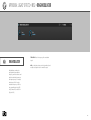
IReverb is a convolution reverb.
Given an impulse response for a
physical space or a piece of gear,
IReverb can accurately reproduce
what the input source would
sound like if it were actually in that
space or played through that piece
of hardware.
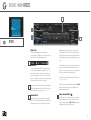
If there is audio passing through the IReverb while
parameters are being adjusted, the dry signal will be
heard momentarily. This is because convolution is
a processor-intensive effect and briefly muting the
processing signal is necessary to avoid pops/clicks or
other artifacts.
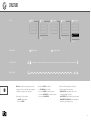
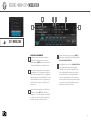
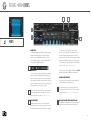
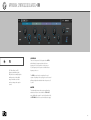
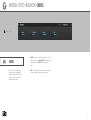
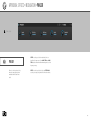
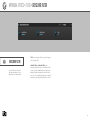
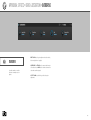
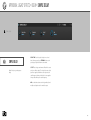
IMPULSE
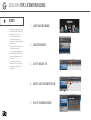
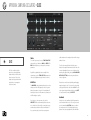
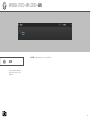
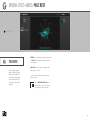
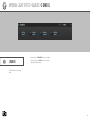
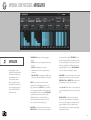
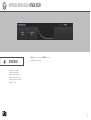
To load an IMPULSE RESPONSE, drag and drop an
audio file to the sample area, or load one of the factory
presets.
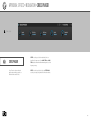
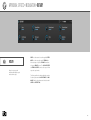
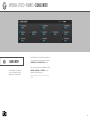
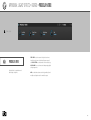
REVERB
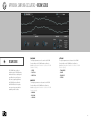
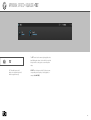
DAMP
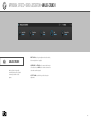
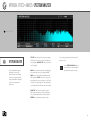
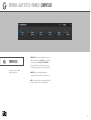
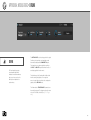
To filter the output, use LOW DAMP and HIGH DAMP
to dampen the low or high frequencies, respectively.
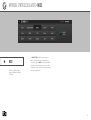
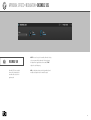
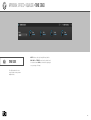
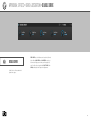
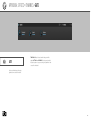
MIX
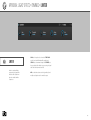
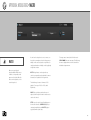
DRY and WET knobs set the balance between the
dry (unaffected) and wet (affected) signal sent to the
module’s output.
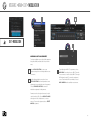
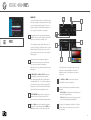
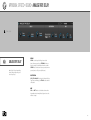
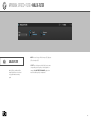
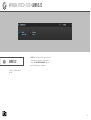
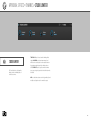
IMPULSE FILES
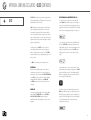
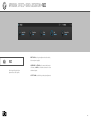
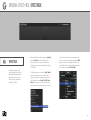
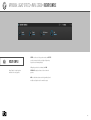
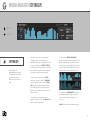
To save the currently loaded impulse, choose SAVE
IMPULSE to save the current file or SAVE IMPULSE
AS to save as a new file.
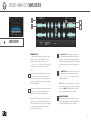
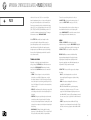
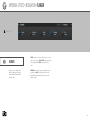
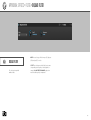
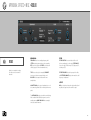
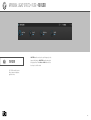
TIME sets the duration of the wet signal, specified as
a percentage of the impulse response’s duration. PRE
DELAY sets the amount of delay before the wet signal
is heard.
WIDTH adjusts the stereo width of the impulse
response. At negative values, the left an right channels
are swapped.
95