1
User Manual
Chapter 9
Address & Schedule Objects
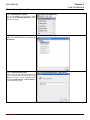
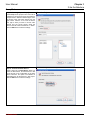
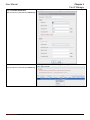
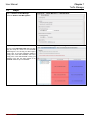
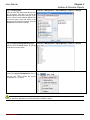
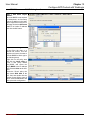
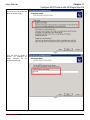
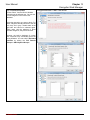
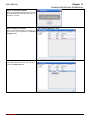
Step 7 Editing group
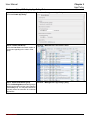
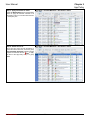
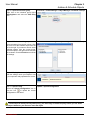
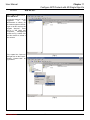
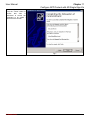
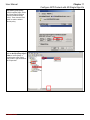
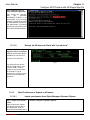
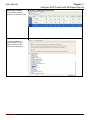
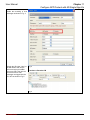
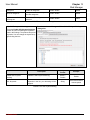
Enter the name and select host objects from
the left column. Click the >> to move the
address object from the left to the right. If you
want to remove some address objects from
the current group, select the object in the
right column and click the << button. Click the
Finish button to finish the settings.
Function > Management > Object Manager > Address > Groups
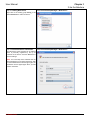
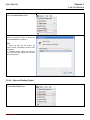
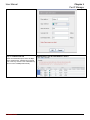
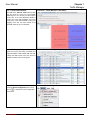
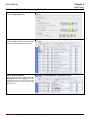
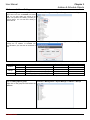
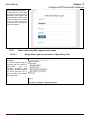
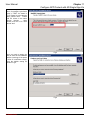
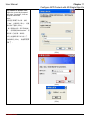
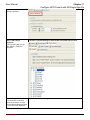
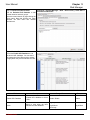
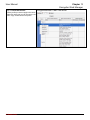
Step 8 Display existing address groups
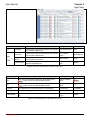
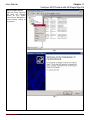
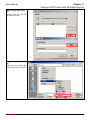
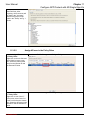
After you click the Finish button, all groups
will be shown on the screen.
Function > Management > Object Manager > Address > Groups
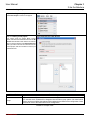
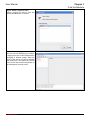
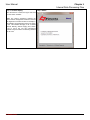
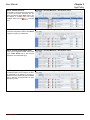
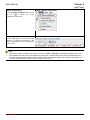
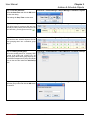
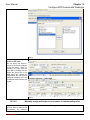
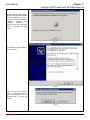
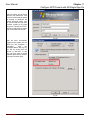
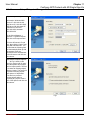
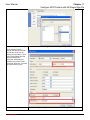
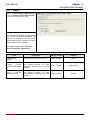
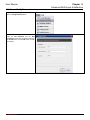
Step 9 Upload config to the device
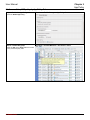
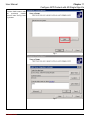
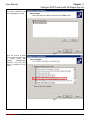
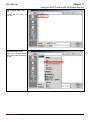
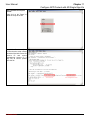
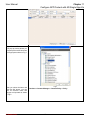
Check the Upload Configuration item or
Update > Upload Configuration
click the icon
to upload the current
configuration to the device.
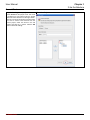
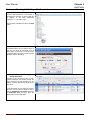
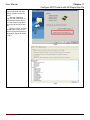
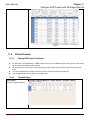
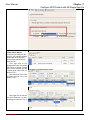
If some object is referred by some group or some policy rule, before you delete this object you have to delete the
policy or group first. Otherwise, you will not be able to delete the object.
L7 Networks Inc.
65