1
User Manual
Chapter 9
Address & Schedule Objects
Chapter 9
Address & Schedule Objects
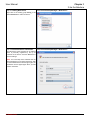
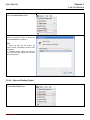
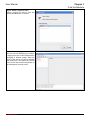
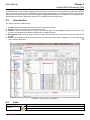
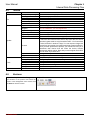
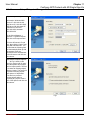
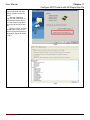
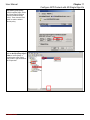
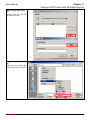
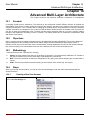
This chapter shows you how to setup objects for use with managing policy rules
9.1
1.
2.
3.
9.2
1.
2.
9.3
Scenario
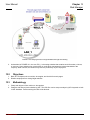
Company ABC hopes to manage all the permissions of all the IP address in the company. However, CEO & CTO
has the complete permission to access all the Internet resources.
Company ABC’s working hours are from Monday to Friday 8:30 to 17:30. 12:00-13:00 at noon is employee’s free
time to do anything. According to the company’s policy, some IM or P2P applications are not allowed touse furing
the office hours.
Objects of the same nature should be grouped together to facilitate the configuration of the policy rules.
Methodology
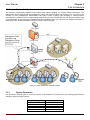
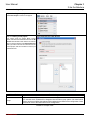
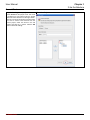
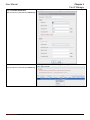
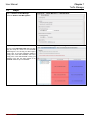
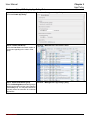
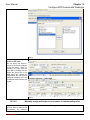
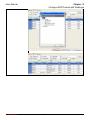
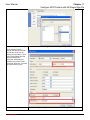
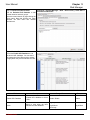
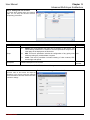
Assign CEO’s IP address as 192.168.168.2 and CTO’s IP address as 192.168.168.10. Then group CEO and CTO
into a group object named boss.
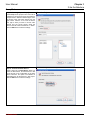
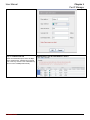
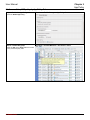
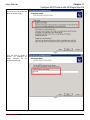
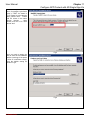
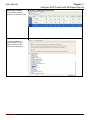
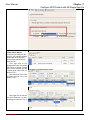
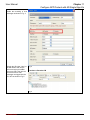
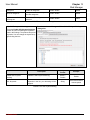
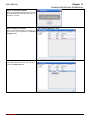
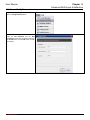
Assign several timeslots of the company’s office hours. Then group the timeslot schedule objects into a schedule
group object named WorkingHours.
Steps
L7 Networks Inc.
63