1
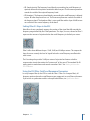
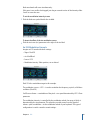
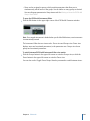
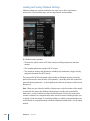
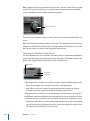
Note: The modulation set here is relative to the panorama position set in Ultrabeat’s
Mixer in the Assignment section.
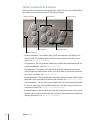
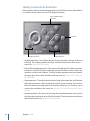
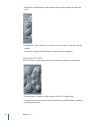
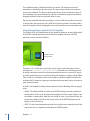
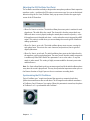
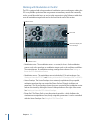
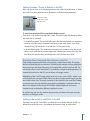
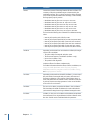
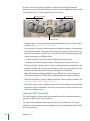
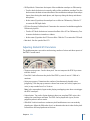
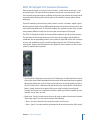
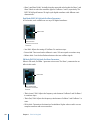
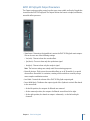
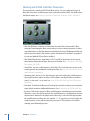
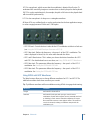
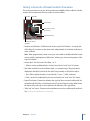
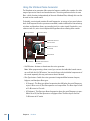
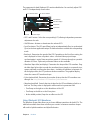
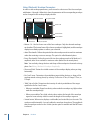
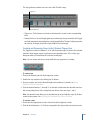
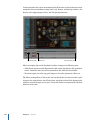
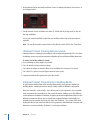
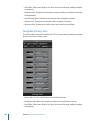
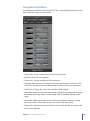
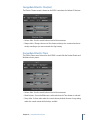
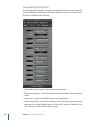
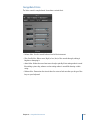
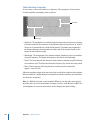
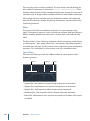
Pan Mod button
The panorama position
(set in the mixer) is
represented by a thin,
red line.
Spread button
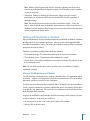
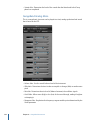
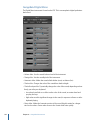
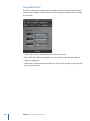
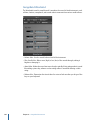
• Pan Mod and Spread buttons: Activate the corresponding mode. If neither mode is
activated, the signal passes through unaffected.
• Mod and via menus: Determine the modulation and via sources for pan modulation.
• Mod and via sliders: The blue control on the left and the green control on the right are
used to set the amount (intensity) of mod and via modulation.
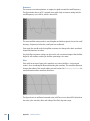
Note: You cannot directly move the red line that represents pan position shown in this
section. In order to move the line, rotate the pan knob in the Mixer section.
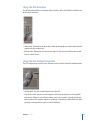
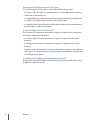
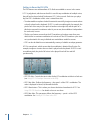
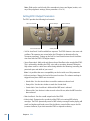
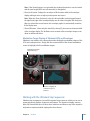
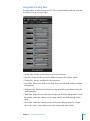
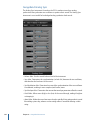
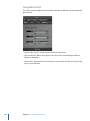
Ultrabeat Stereo Spread Mode
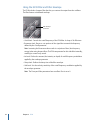
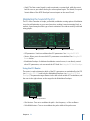
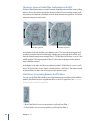
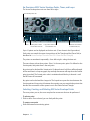
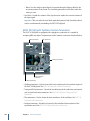
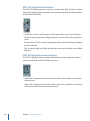
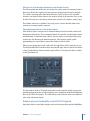
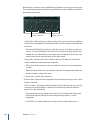
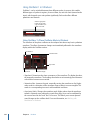
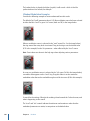
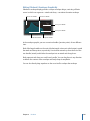
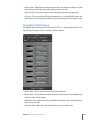
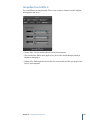
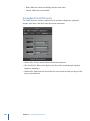
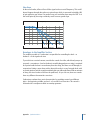
Stereo Spread broadens the stereo image, making it wider and more spacious.
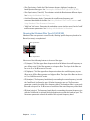
• Lo Freq(uency) slider: Adjusts the width (the spreading effect) of bass frequencies: the
higher the value, the more prominent the effect becomes.
• Hi Freq(uency) slider: Adjusts the width of high frequencies.
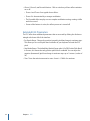
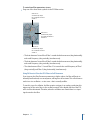
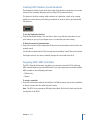
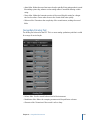
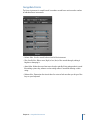
Controlling Ultrabeat Drum Sound Levels with Voice Volume
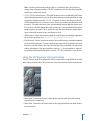
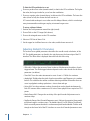
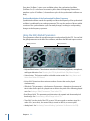
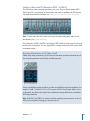
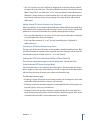
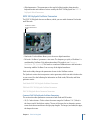
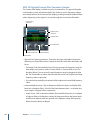
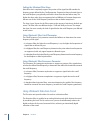
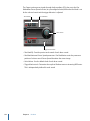
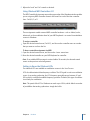
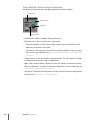
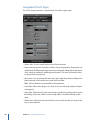
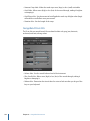
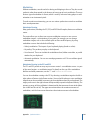
The Voice Volume knob adjusts the output volume of individual drum sounds. To be
more exact, you are setting the maximum level for the selected drum sound with Env 4,
following the attack phase of Env 4.
Chapter 11 Ultrabeat
277



































































































































![[English] 1 MB](http://vs1.manualzilla.com/store/data/005724727_1-d0907da86b06d0402fef0dce028404c5-150x150.png)