1
Using the Envelope 2 and 3 Sustain Parameters in the ES2
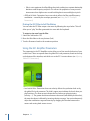
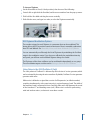
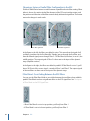
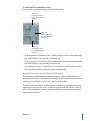
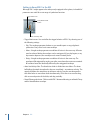
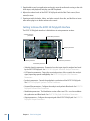
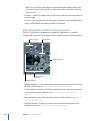
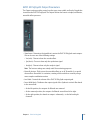
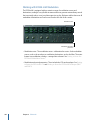
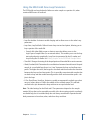
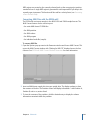
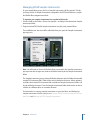
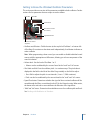
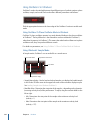
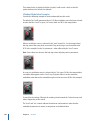
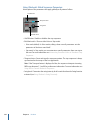
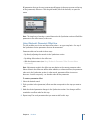
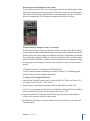
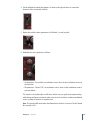
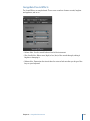
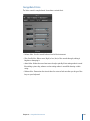
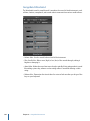
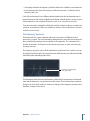
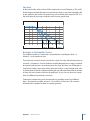
When the Sustain Time (rise) slider is set to its center value, the Sustain (S) Level slider
behaves like the sustain parameter of any synthesizer ADSR envelope.
In this position, the Sustain (Level) slider defines the level that is sustained while the key
remains depressed, following completion of the Attack time and Decay time phases.
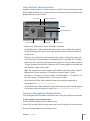
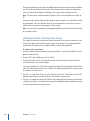
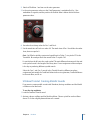
The Sustain Time slider defines the time it takes for the level to rise from the Sustain level
back to its maximum level—or to fall to zero:
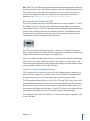
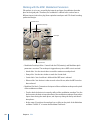
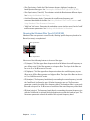
• Settings in the lower half of the Sustain Time slider range (fall) determine the time
required for the level to decay from the sustain level to zero. The lower the slider
position, the faster the sound level decays.
• Settings in the upper half of its range (rise) determine the time required for the level
to rise from the sustain level to its maximum value. The higher the slider position, the
faster the sound level rises.
Emulating Instrument Behaviors with Envelope Modulation
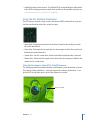
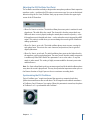
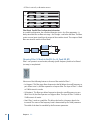
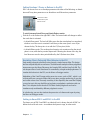
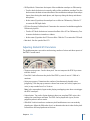
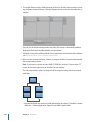
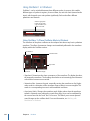
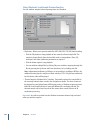
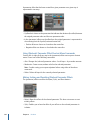
On pianos and plucked string instruments, high notes decay faster than low notes.
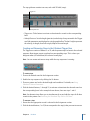
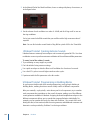
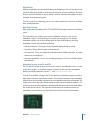
To simulate this effect, modulate the Decay Time target with the Kybd source in the
router. The modulation intensity slider should be set to a negative value.
Getting to Know the ES2’s Vector Envelope
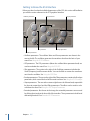
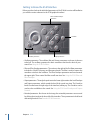
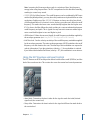
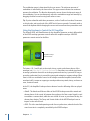
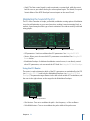
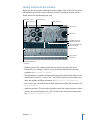
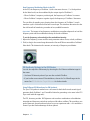
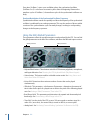
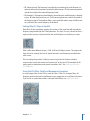
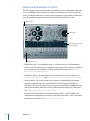
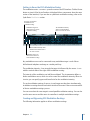
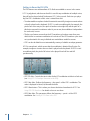
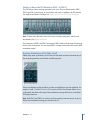
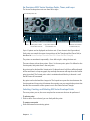
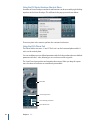
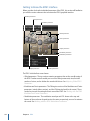
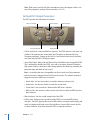
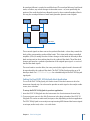
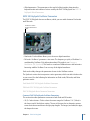
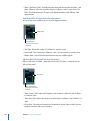
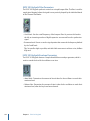
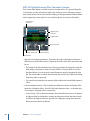
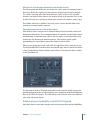
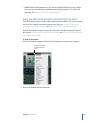
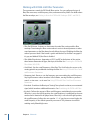
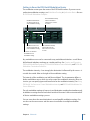
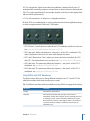
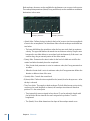
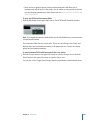
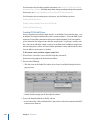
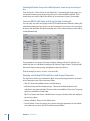
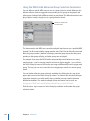
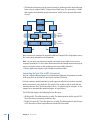
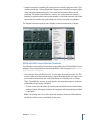
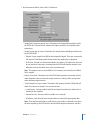
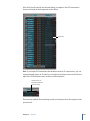
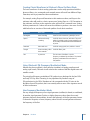
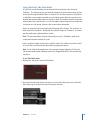
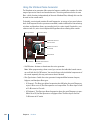
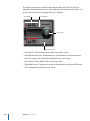
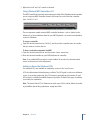
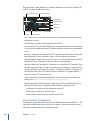
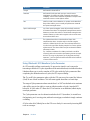
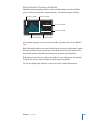
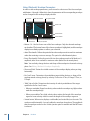
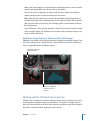
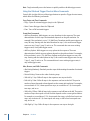
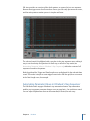
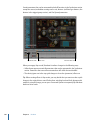
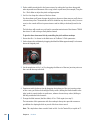
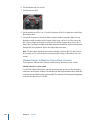
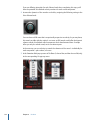
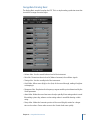
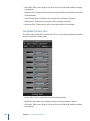
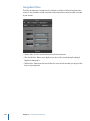
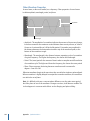
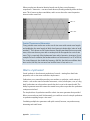
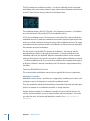
The Vector Envelope is a multipoint, loop-capable control source. Its sole purpose is to
provide real-time control of square icon movements in the Triangle and the Planar Pad.
The Vector Envelope shares the space occupied by the modulation router, and it can be
viewed by clicking the Vector Envelope button to the right of the router.
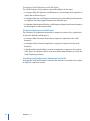
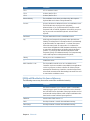
Vector Envelope
Curve
Env Mode
Solo Point
Triangle
Loop Mode
Planar Pad
Loop Rate
Time Scaling
Planar Pad
Targets
Vector Mode
Chapter 5 ES2
89