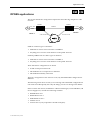
1
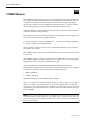
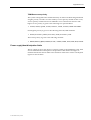
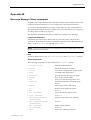
3-70 MicropleX switching
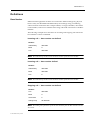
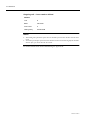
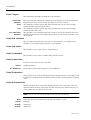
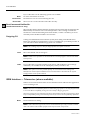
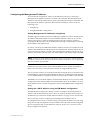
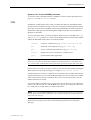
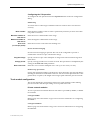
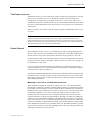
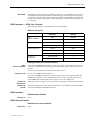
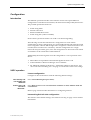
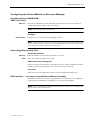
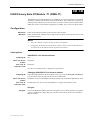
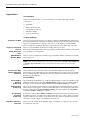
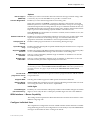
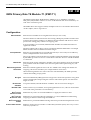
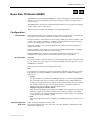
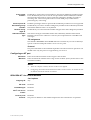
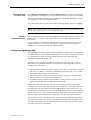
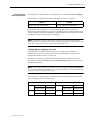
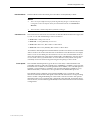
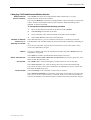
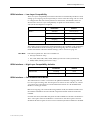
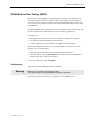
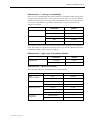
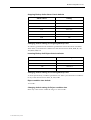
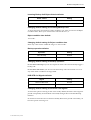
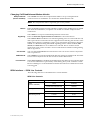
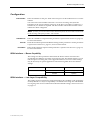
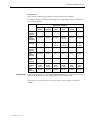
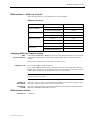
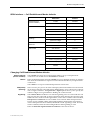
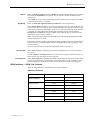
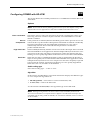
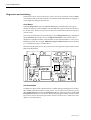
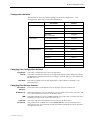
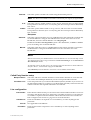
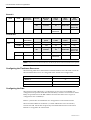
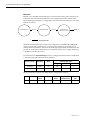
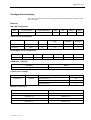
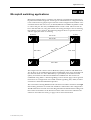
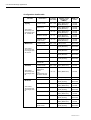
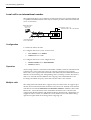
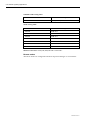
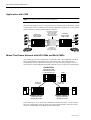
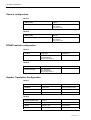
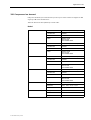
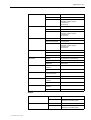
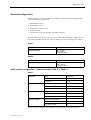
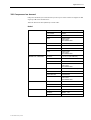
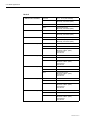
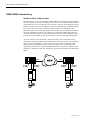
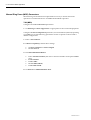
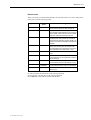
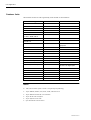
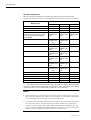
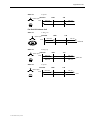
Interworking Unit right side configuration
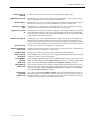
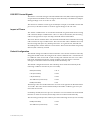
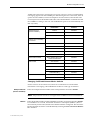
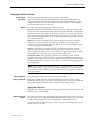
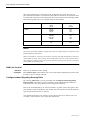
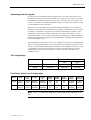
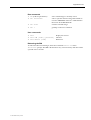
Call establishment
modes
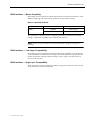
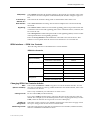
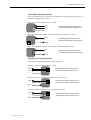
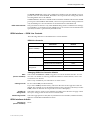
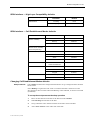
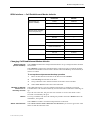
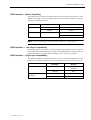
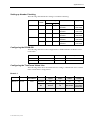
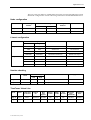
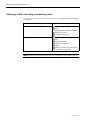
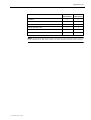
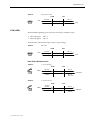
Bearer Capability
Select SPC/Virtual Line/Manually connected.
Select Indial.
Select End to end signalling.
Select Transparent signalling mode.
Select All 64K Digital.
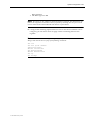
See ISDN Interworking on page 3-57 for further information.
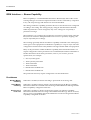
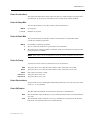
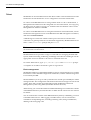
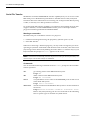
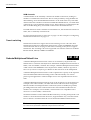
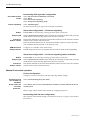
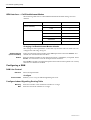
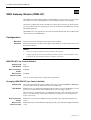
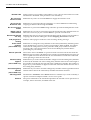
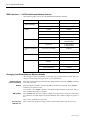
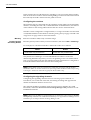
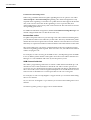
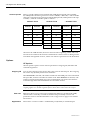
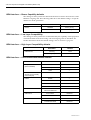
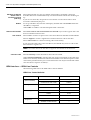
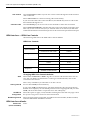
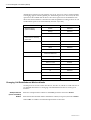
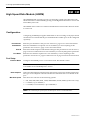
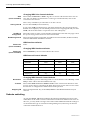
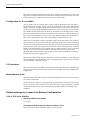
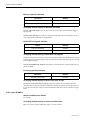
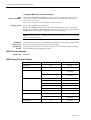
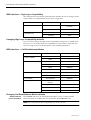
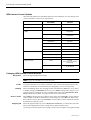
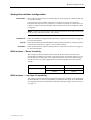
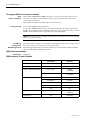
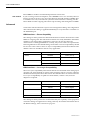
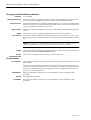
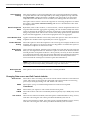
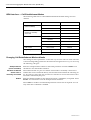
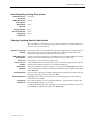
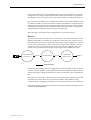
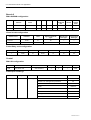
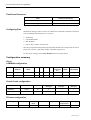
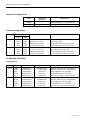
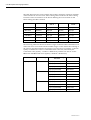
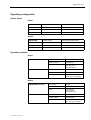
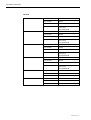
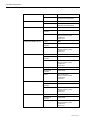
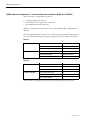
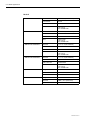
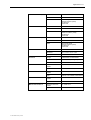
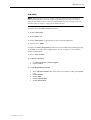
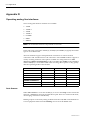
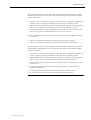
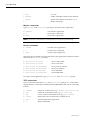
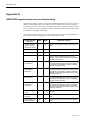
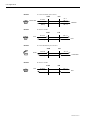
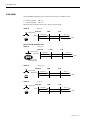
Virtual line configuration — B-channel signalling
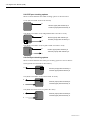
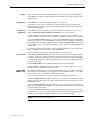
Hotline
Enable XSPC at one end only, if using a point-to-point connection.
Outgoing TE
Select as Preferred or Exclusive on the Virtual Line with XSPC enabled. This prevents
the B-channel call from being delivered to the interwork unit.
Virtual line
Hotline number
The number defined for the Virtual Line Hotline number must be entered as the line
number in the remote end Virtual Line.
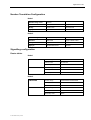
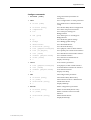
Enter the number defined for the Virtual Line Hotline number in the Router table
with a SAM B-channel selected as the primary route.
SAM B-channel
Configure as a member of the Virtual Line.
Semipermanent
Enable semipermanent for the SAM B-channel used for the B-channel Signalling.
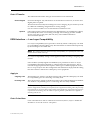
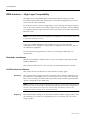
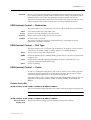
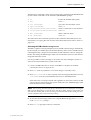
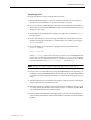
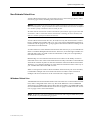
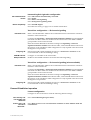
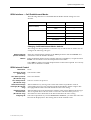
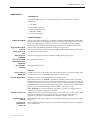
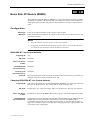
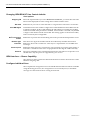
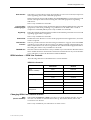
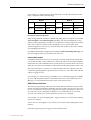
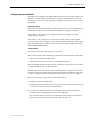
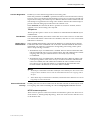
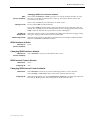
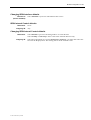
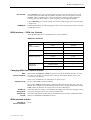
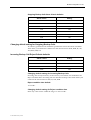
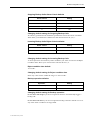
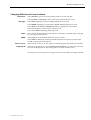
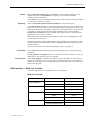
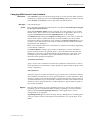
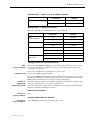
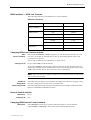
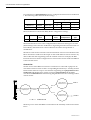
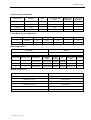
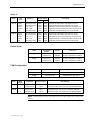
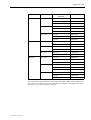
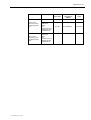
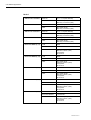
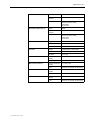
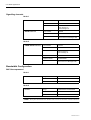
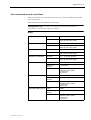
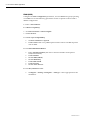
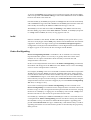
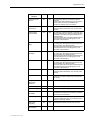
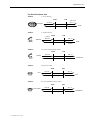
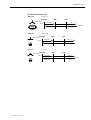
Virtual line configuration — D-channel signalling (where available)
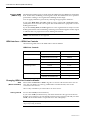
Hotline
Enable XSPC at one end only, if using a point-to-point connection.
Outgoing TE
Select as Preferred or Exclusive on the Virtual Line with XSPC enabled. This prevents
the B-channel call from being delivered to the interwork unit.
Virtual line
Hotline number
The number defined for the Virtual line Hotline number must be entered as the line
number in the remote end Virtual Line.
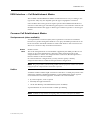
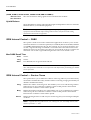
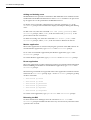
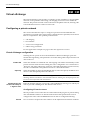
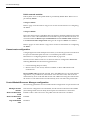
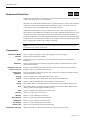
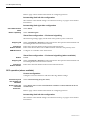
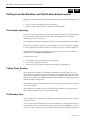
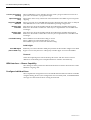
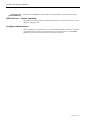
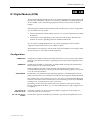
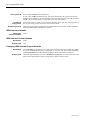
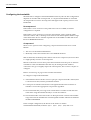
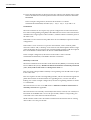
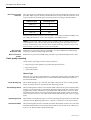
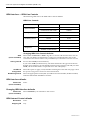
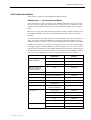
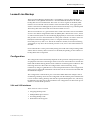
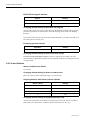
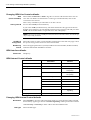
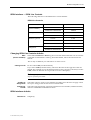
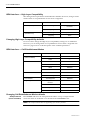
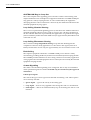
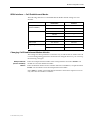
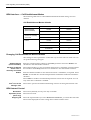
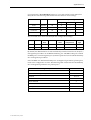
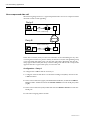
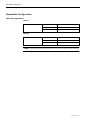
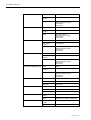
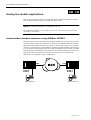
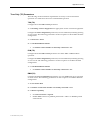
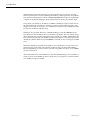
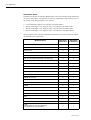
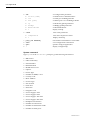
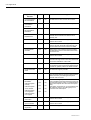
Manual Connection operation
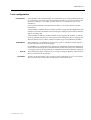
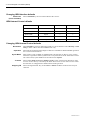
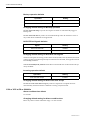
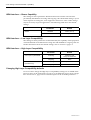
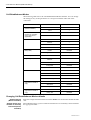
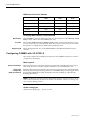
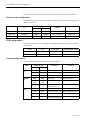
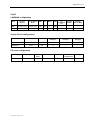
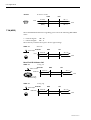
Lineset configuration
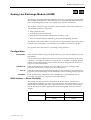
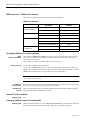
Configure as Non-local linesets with the following default settings:
Call delivery and
line member list
attributes
Select Linear Hunting (keep list static).
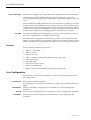
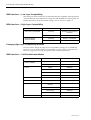
Action when call
cannot be
delivered...
Select Return cause of ‘No circuit/channel available’ to allow fallback TE & NT
resubmission.
Refer to page 3-46 for further information on configuring Linesets.
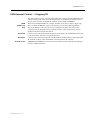
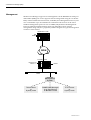
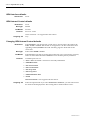
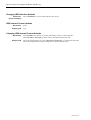
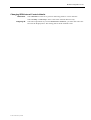
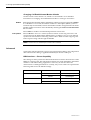
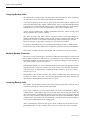
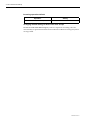
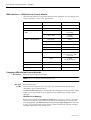
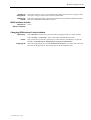
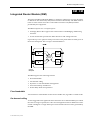
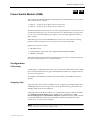
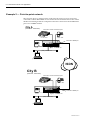
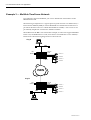
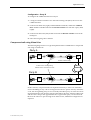
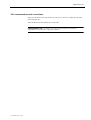
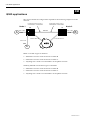
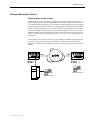
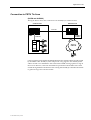
Interworking Unit left side configuration
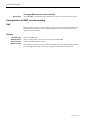
This remains at the default settings. See ISDN Interworking on page 3-57 for further
information.
10003497.00 Rev.5