1
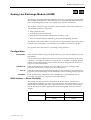
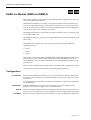
4-140 Analog Line Exchange Module-2 (ALEM-2)
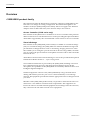
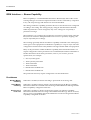
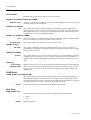
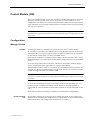
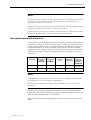
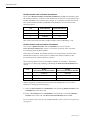
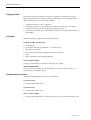
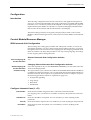
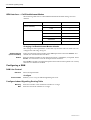
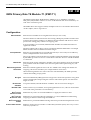
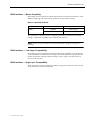
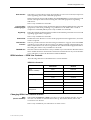
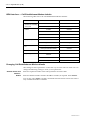
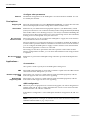
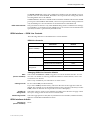
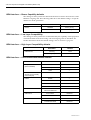
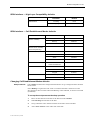
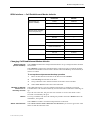
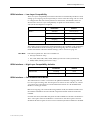
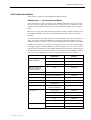
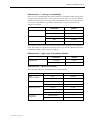
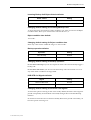
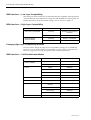
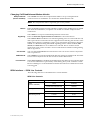
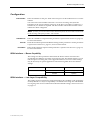
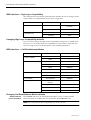
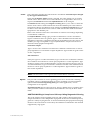
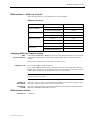
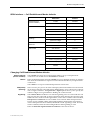
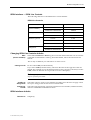
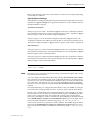
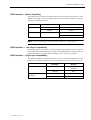
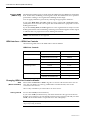
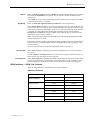
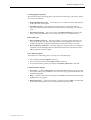
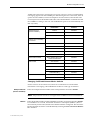
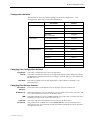
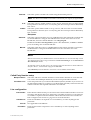
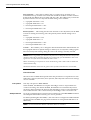
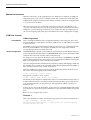
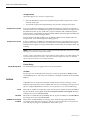
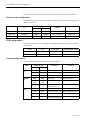
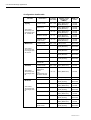
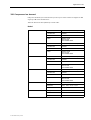
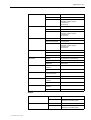
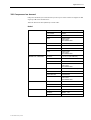
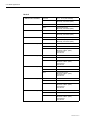
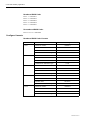
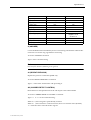
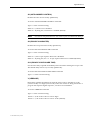
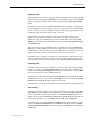
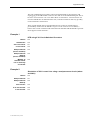
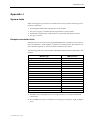
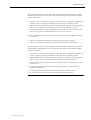
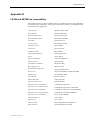
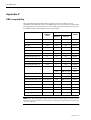
ISDN Interface — High Layer Compatibility
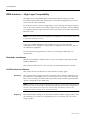
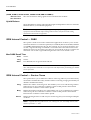
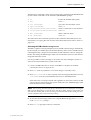
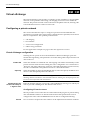
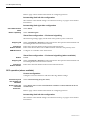
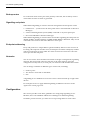
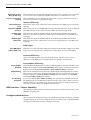
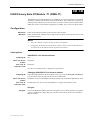
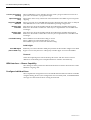
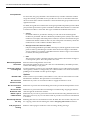
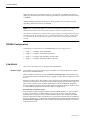
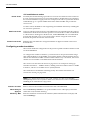
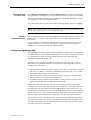
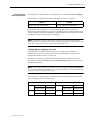
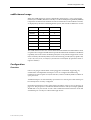
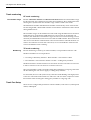
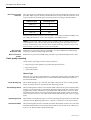
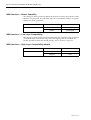
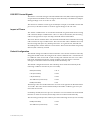
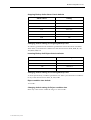
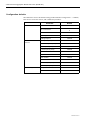
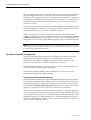
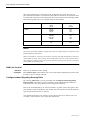
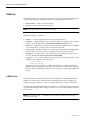
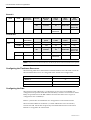
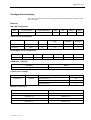
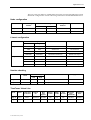
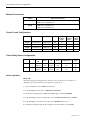
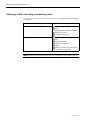
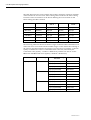
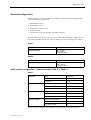
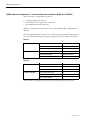
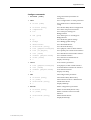
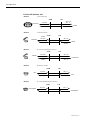
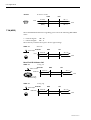
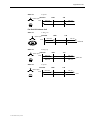
The setting for these parameters should be left as defaults. However, changes can be
made to them to accept different services from a single line.
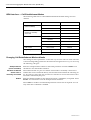
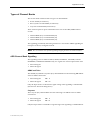
CCITT (ITU-T) Standards
Telstra Standards
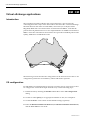
(Australia only)
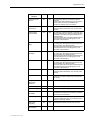
Parameter
Default
Incoming
Telephony and Group 2/3
Facsimile
Outgoing
None
Incoming
Group 1 - 3 Facsimile
Outgoing
None
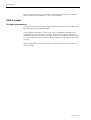
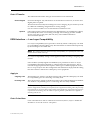
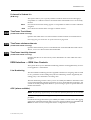
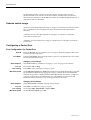
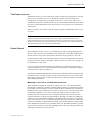
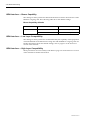
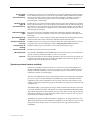
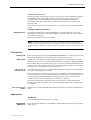
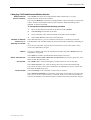
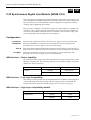
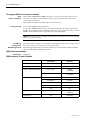
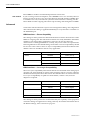
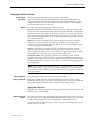
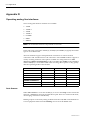
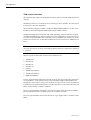
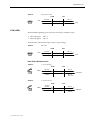
Changing High Layer Compatibility defaults
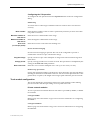
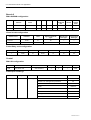
It is not usual to change the High Layer Compatibility settings for an ALEM-2 line.
However, you can change them to accept different services from a single line. See
Parameters page 2-10 for a full description of the available parameters.
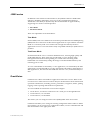
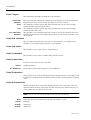
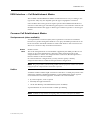
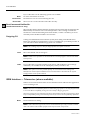
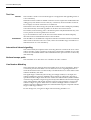
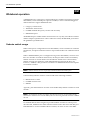
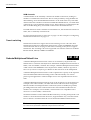
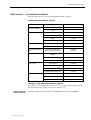
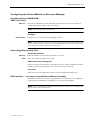
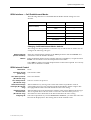
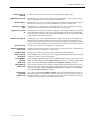
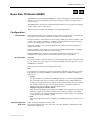
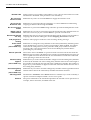
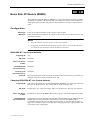
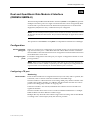
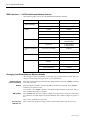
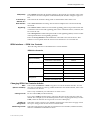
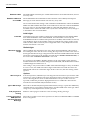
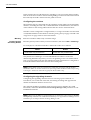
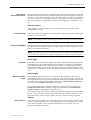
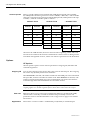
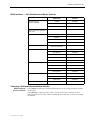
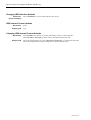
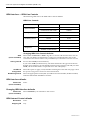
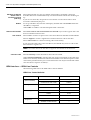
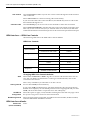
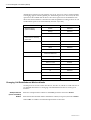
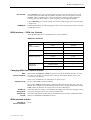
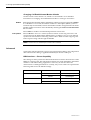
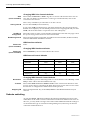
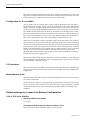
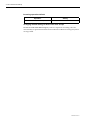
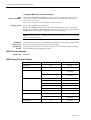
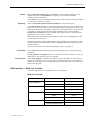
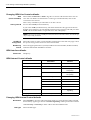
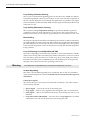
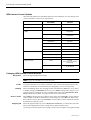
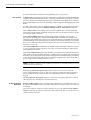
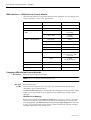
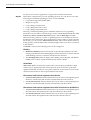
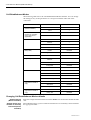
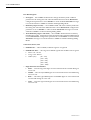
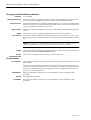
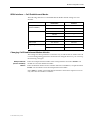
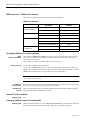
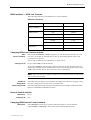
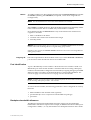
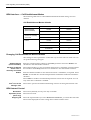
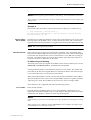
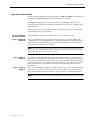
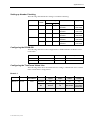
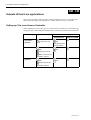
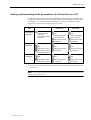
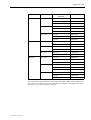
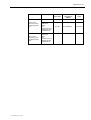
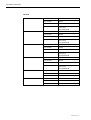
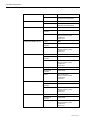
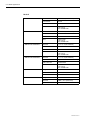
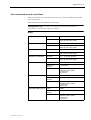
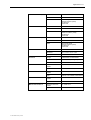
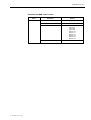
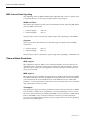
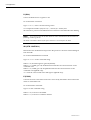
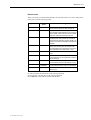
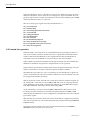
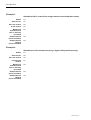
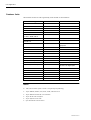
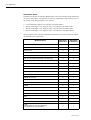
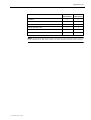
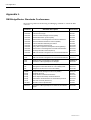
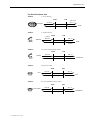
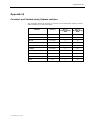
ISDN Interface — Call Establishment Modes
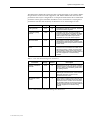
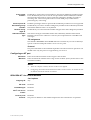
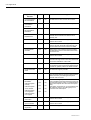
Parameter
Default
Enable
Disabled
Label
—
Enable
Disabled
Number
—
XSPC
Disabled
Subaddress
—
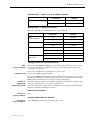
Auto Answer
Disabled
Release on Progress
Disabled
Tone Suppress
Disabled
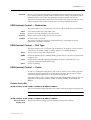
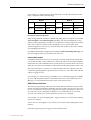
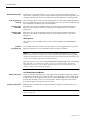
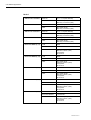
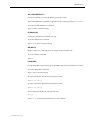
National Significant Remote
Number
—
End-to-End
Disabled
Interpreted
Disabled
Unack
Disabled
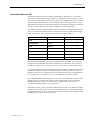
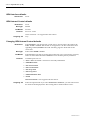
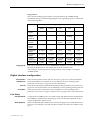
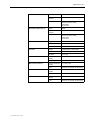
Semipermanent
(where available)
Hotline
Call Control
Line facilities
Signalling
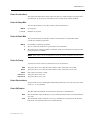
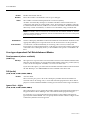
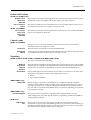
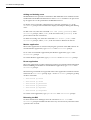
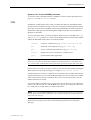
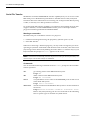
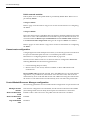
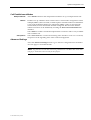
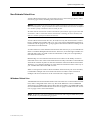
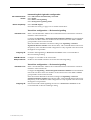
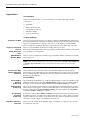
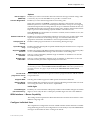
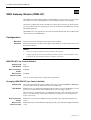
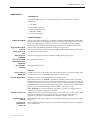
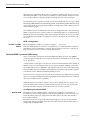
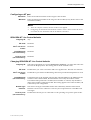
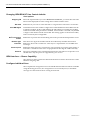
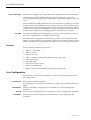
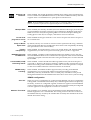
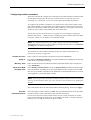
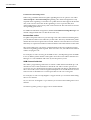
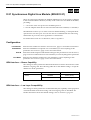
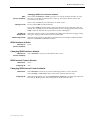
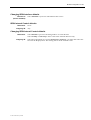
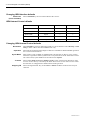
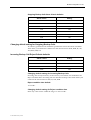
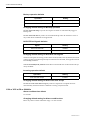
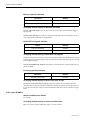
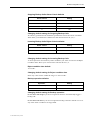
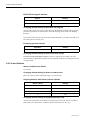
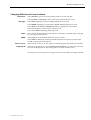
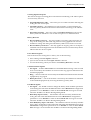
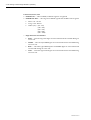
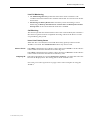
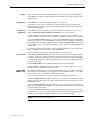
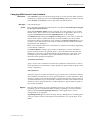
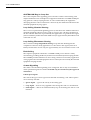
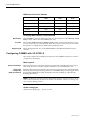
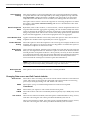
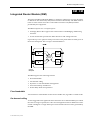
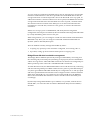
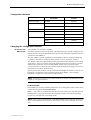
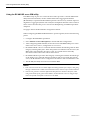
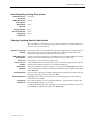
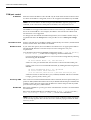
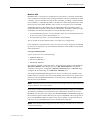
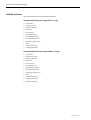
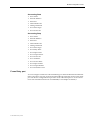
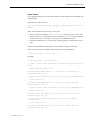
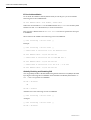
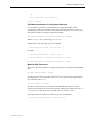
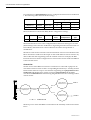
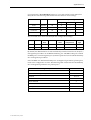
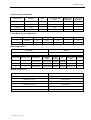
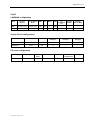
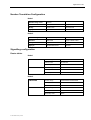
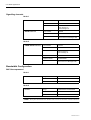
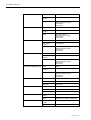
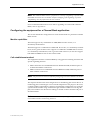
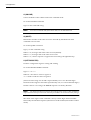
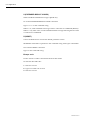
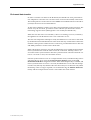
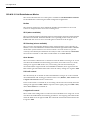
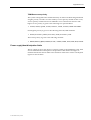
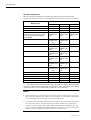
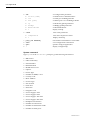
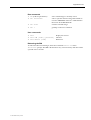
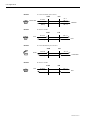
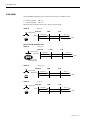
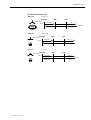
Changing Call Establishment Modes defaults
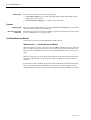
Semipermanent
(where available)
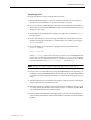
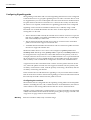
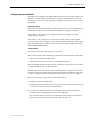
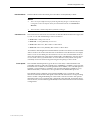
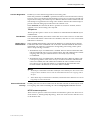
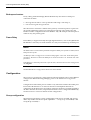
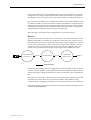
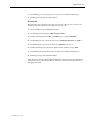
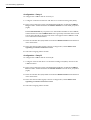
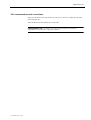
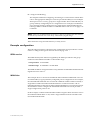
Select Enable and enter the semipermanent label to set up a semipermanent
connection from an ALEM-2 line. You should also disable Hotline calls.
Note The semipermanent label is supplied by your service provider.
10003497.00 Rev.5