1
Calendar Feature
Overview
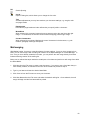
The Calendar feature actually comprises 2 calendars: a Bid Calendar and a To Do Calendar. You can
switch back and forth between the calendars by using the tabs at the top of the screen.
The Bid Calendar allows you to track bidding projects easily, and Market Leader automatically updates
this information for you whenever you import more project data.
The To Do Calendar allow you to create and track To Do notes to help you remember all those important
meetings, business lunches, and even your personal forget-me-nots, like your spouse’s birthday or your
anniversary.
Together, these calendars help to reduce stress and take you to the top of your industry.
Getting Started
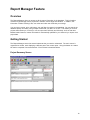
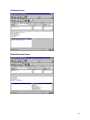
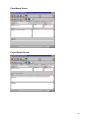
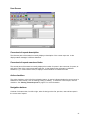
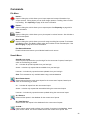
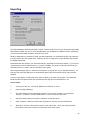
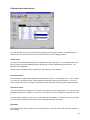
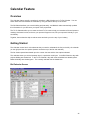
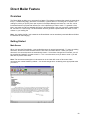
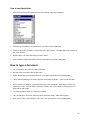
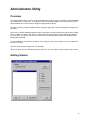
The Calendar screen has 3 main elements that you need to understand: the list (on the left), the calendar
(on the right) and the view options (buttons across the top of the list and calendar).
The list shows reports/notes based upon the current view set and the view options selected.
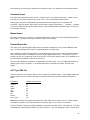
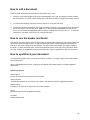
The calendar shows you all the important days in a particular month/year. In the Bid Calendar, days with
projects bidding are shaded red. In the To Do Calendar, days with notes scheduled are shaded yellow.
National holidays are shaded green. The currently selected date is shaded blue.
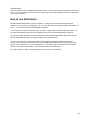
Bid Calendar Screen
45