1
Report Manager Feature
Overview
The Report Manager gives you access to all the report information in the database. This information
consists of typical things such a project title, valuation, action stage and valuation. In addition, this
information includes Tracking Lists, user notes and extra user fields that you manage.
You can import, export, print, mail merge, sort and filter the reports in the database. You can search the
database quickly and easily, using complex criteria that you define in no time. This allows you to track
projects that interest you, so that you can act upon them efficiently and effectively. And, as with other
Market Leader features, contact information is automatically updated for you whenever you import more
project data.
Getting Started
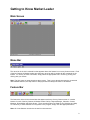
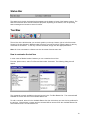
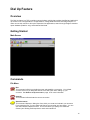
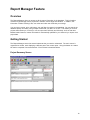
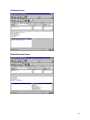
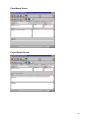
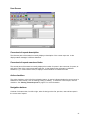
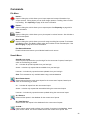
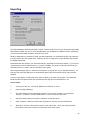
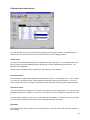
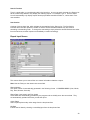
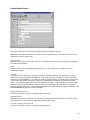
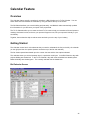
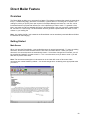
The Report Manager screen has several elements that you need to understand. The main screen is
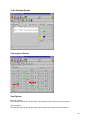
organized into 6 tabs, each displaying a different part of the current report. Along the bottom is a status
bar that is comprised of several elements. Each of these is described below.
Project Summary Screen
18