1
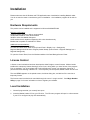
3.
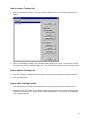
If the CD menu program does not open after a few moments, open the Run dialog box from the
Windows taskbar and type or browse for the file dodge.exe on the CD. Then, click the OK button to
open the CD menu program.
4.
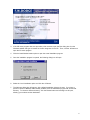
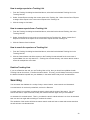
Click the Install Market Leader option to open the actual installation program.
5.
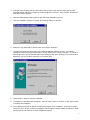
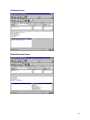
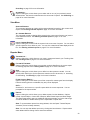
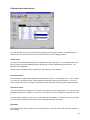
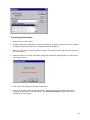
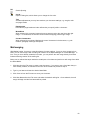
Once the installation program is opened, the following dialog box will open.
6.
Select the Copy Setup files to Server option and click the OK button.
7.
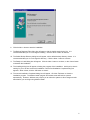
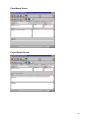
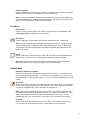
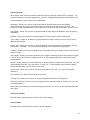
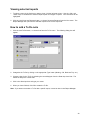
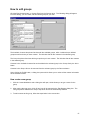
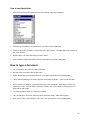
The Welcome dialog box will appear, with a default installation directory chosen. The default
installation directory will be the root directory on first network drive you have mapped. To choose a
different directory, click the Browse button and a dialog box will open, allowing you to select another
destination. Be sure to select a directory on a network drive.
8.
Click the Next > button to start the installation.
9.
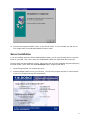
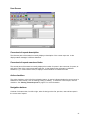
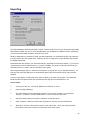
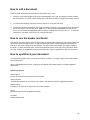
The Ready to Install dialog box will appear. Click the Next > button to continue, or the Cancel button
to abandon the installation.
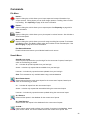
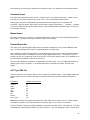
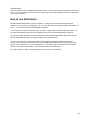
10. The Installing dialog box will appear, showing the progress of the installation. At this point, there is
nothing for you to do but monitor the installation until the Setup Complete dialog box appears. When
it does, click the OK button to close the installation program.
7