1
Printer Test and Setup
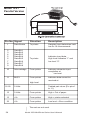
The printer can be tested and setup using the steps
described in this section. Testing and setup are done
using the rocker switch on the printer.
Printer Test
Accessing the
Setup Menu
14
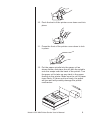
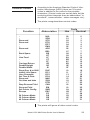
With the printer unplugged at the outlet or at the back
of the printer, press and hold the right side of switch
as you plug the unit in. The printer will print out a
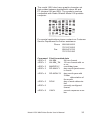
list of the configuration as it currently exists then do
a continuous print test. To stop the print test, press
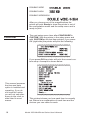
either side of the rocker switch. Below is a sample of
what is printed when you do the print test.
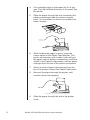
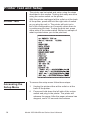
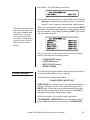
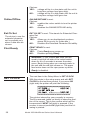
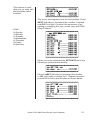
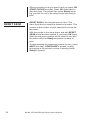
To access the setup menu follow these steps:
1.
Unplug the printer either at the outlet or at the
back of the printer.
2.
Press and hold down the left side of the rocker
switch and plug in the printer. The printer will
advance the paper. After the paper advance has
stopped, count 3-5 seconds and release
Model 125X MiniPrinter Series User’s Manual