1
Dialogs / Interfaces
A.20.4
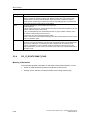
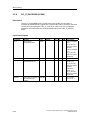
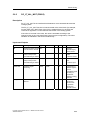
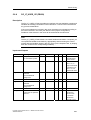
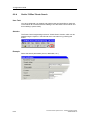
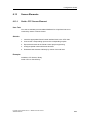
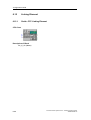
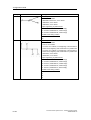
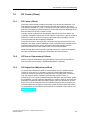
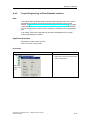
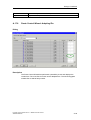
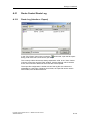
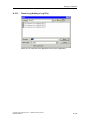
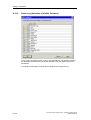
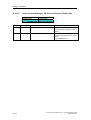
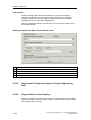
Deleting Used Elements
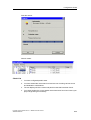
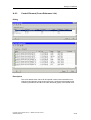
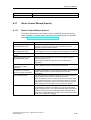
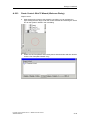
Dialog
Meaning
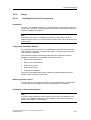
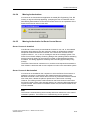
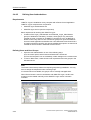
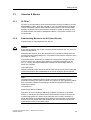
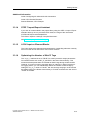
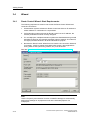
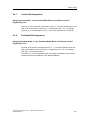
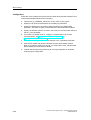
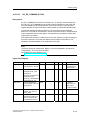
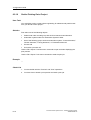
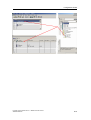
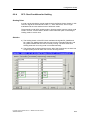
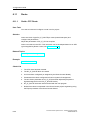
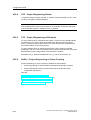
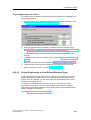
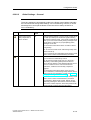
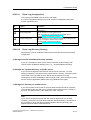
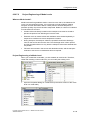
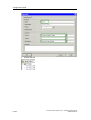
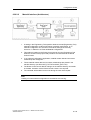
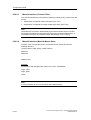
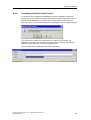
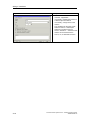
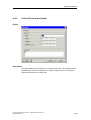
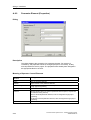
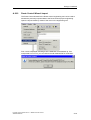
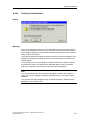
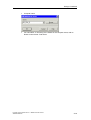
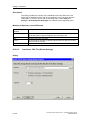
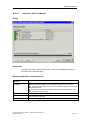
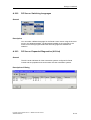
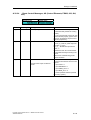
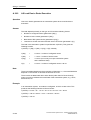
If you have changed elements in a CFC chart (element type) and want to use the
Route Control Wizard to transfer them to the Route Control project engineering, a
notice appears during the import operation indicating that the element is currently
being used in partial routes.
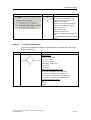
If the element type has changed, the element must be interconnected again in the
partial route because the properties of the interconnected element must also be
specified again
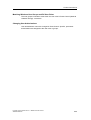
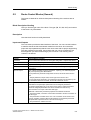
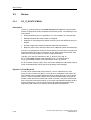
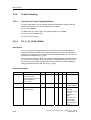
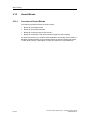
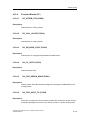
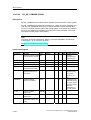
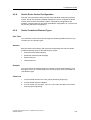
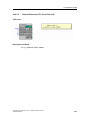
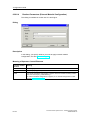
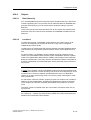
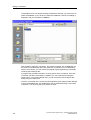
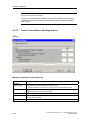
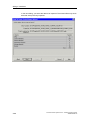
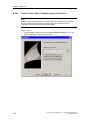
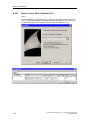
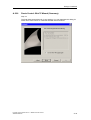
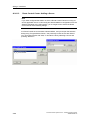
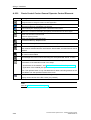
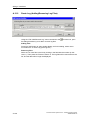
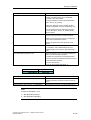
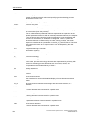
In this dialog, you can choose whether to delete the element or skip this step for
the particular element. The dialog will be displayed again for the next element
unless you suppress it by selecting "Do not show this prompt again."
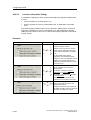
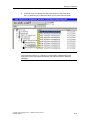
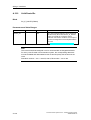
Note
If you have selected "Do not show this prompt again" and then click "Delete" or
"Skip," this choice is applied to all future prompts that may occur for this import
operation.
You can have the dialog displayed again by selecting Settings \ Enable System
Messages on the Options menu.
Process Control System PCS 7 - SIMATIC Route Control
A5E00343836-02
A-71