1
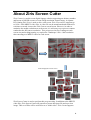
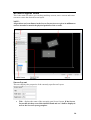
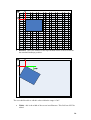
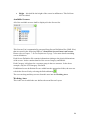
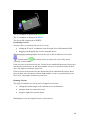
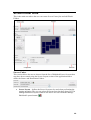
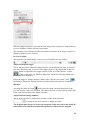
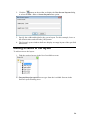
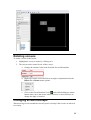
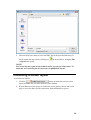
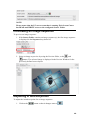
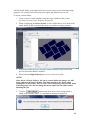
If the user moves the mouse onto the Green Rotation Circle
and holds the mouse
down, they can then move the mouse either clockwise or anti-clockwise to change the
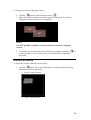
angle of rotation. The angle of rotation is displayed next to the screen and is always
calculated based on a clockwise rotation, for example, an anti-clockwise rotation of
30° shall be displayed as 330° clockwise.
Screen Right-Click Menu
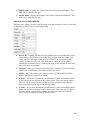
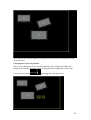
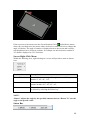
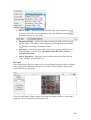
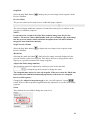
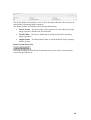
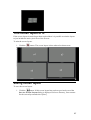
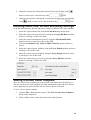
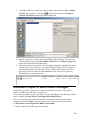
Within the Working Area, right-clicking on a screen will provide a menu as shown
next.
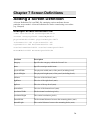
Command
Description
Rotate To
Rotates the screen to a specific angle – the available options
include 0°, 45°, 90°, 315°.
Rotate
Rotates the screen by a specific amount – the available
options include -90°, -45°, 45°, 90°.
Delete
Deletes the screen from the Screen Layout (screens can also
be deleted by selecting the Delete key.
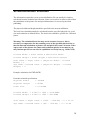
NOTE:
“Rotate” adjusts the angle by the specified amount whereas “Rotate To” sets the
angle to the specific value.
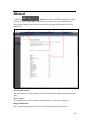
Status Bar
35